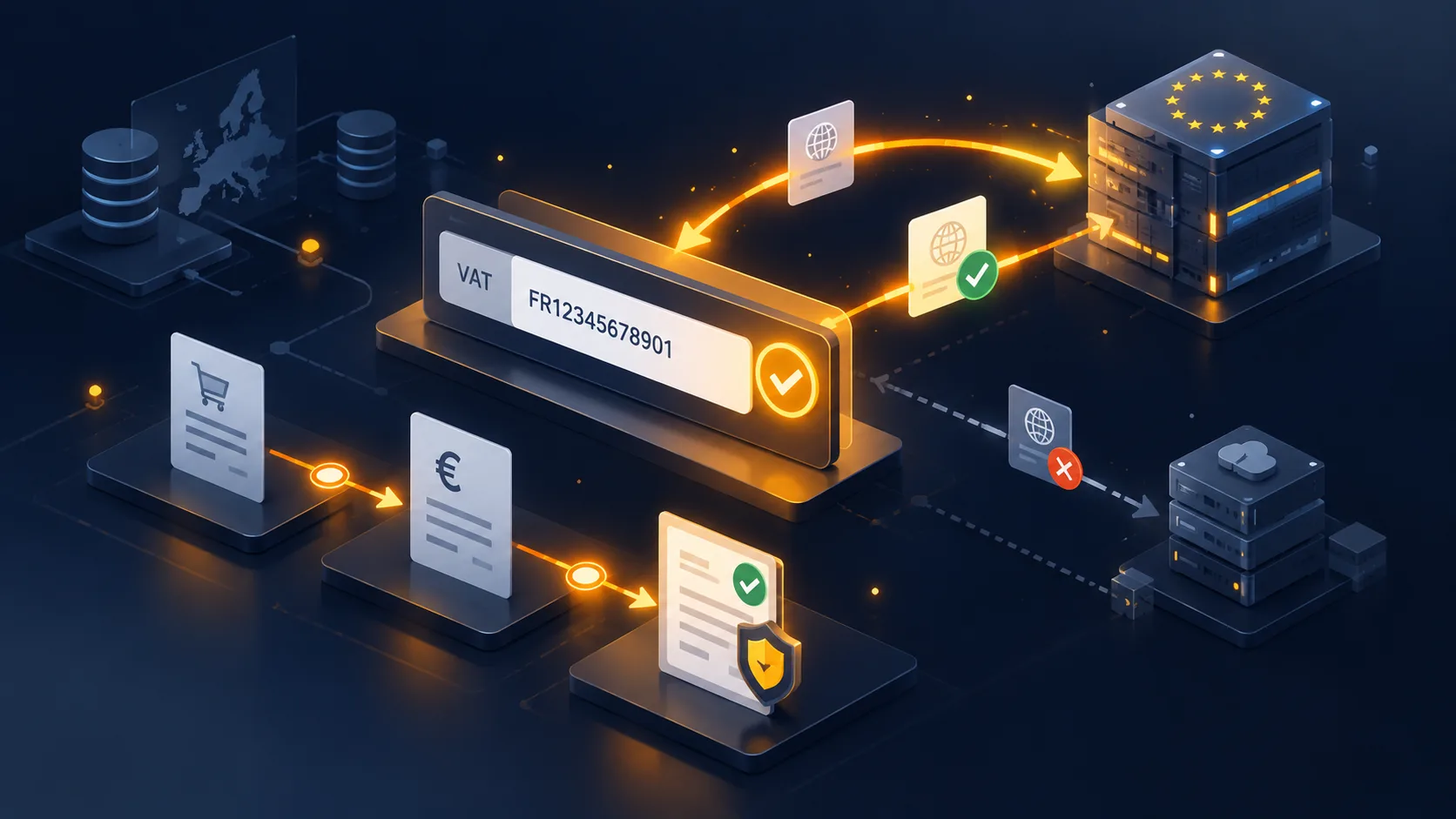
Verifying an intra-Community VAT number against the European VIES service is simple on paper: one call, one valid-or-invalid answer. In production, it runs into a service whose availability varies across member states, heterogeneous number formats, and a customer waiting for an answer while the page spins.
This article covers the implementation. The tax conditions for the exemption are another topic, and the verification is only one of the four.
Where to place the field
Two possible locations, with different consequences.
At registration, in the business account creation form. The verification happens once, the result is stored on the customer, and the checkout stays smooth. It is the recommended approach as soon as you validate business accounts.
At checkout, in the billing address form. More flexible for customers who order without an account, but the verification happens at the worst possible moment: a slowdown or an error at this step costs an order.
In both cases, the field attaches to the billing address, never to the delivery address. The number belongs to the entity that buys, not to the place where the parcel arrives.
Formats, the first source of failure
An intra-Community VAT number starts with a two-letter country code, followed by a string whose length and composition vary from one state to another. France uses two check characters then nine digits, Germany nine digits, Spain a combination of letters and digits, Ireland accepts several historical formats.
Three treatments to apply before any call.
- Normalise the input. Remove spaces, dots, hyphens and convert to upper case. One customer in three enters their number with separators.
- Separate the country code from the rest. The service expects the two separately, and the customer often types everything as one block.
- Validate the shape before calling. A per-country format check avoids querying the service for an obviously wrong input, and allows an immediate message.
Beware of the case of Greece, whose VAT country code differs from its ISO country code, and of Northern Ireland, which has a distinct prefix since the United Kingdom’s withdrawal.
 Intra-Community VAT VIES Validation & B2B Reverse ChargeIntra-community VAT verified, reverse charge automated, audit evidence timestamped.€79.00
Calling the service
For each request, the European service queries the national database of the state concerned. Two direct consequences.
Latency varies widely depending on the country queried. A German verification generally responds quickly, other administrations are noticeably slower.
Availability is independent from one state to another. The service can work for Belgium and be down for Italy at the same time. A successful test therefore does not guarantee that all verifications will go through.
Set a maximum waiting time, five to ten seconds, beyond which you consider the service unavailable. A call without a time limit blocks the page.
The degraded behaviour
This is the point that distinguishes a usable implementation from a fragile one. Three states to distinguish, not two.
Valid number. You record the result, the timestamp, and you apply your tax rules.
Invalid number. A clear message to the customer, with the ability to correct. Do not block the order: the customer can buy with VAT and regularise afterwards.
Service unavailable. The worst-handled case. The order must go through, with VAT applied, and the verification must be queued for a retry. Treating unavailability as invalidity loses orders; treating it as validity exposes you fiscally.
A re-verification queue that automatically retries unverified numbers a few hours later settles this case without intervention.
The messages to the customer
They matter as much as the mechanics. Three wordings to prepare.
On an invalid number, explain what can account for the refusal: a recent number not yet registered in the European database, a business not subject to VAT, or a typing error. A plain “invalid number” leaves the customer with no way forward.
On an unavailability, tell the truth: the verification could not be completed, the order can be placed with VAT, and you will get back to them. It is more reassuring than a technical error message.
On a success, confirm visually, with the company name returned by the service when available. This confirmation reduces typing errors on a number belonging to another company.
Keeping the proof
The European service provides a consultation number for each request. Record it, with the date, the time, the number tested and the full response.
It is this trace that allows you to demonstrate, two years later, that the number was valid at the time of the sale. Without it, you cannot justify an exemption, even if the verification did take place.
Attach this proof to the order, not just to the customer: a customer can change number, and it is the state at the time of the transaction that counts.
Cache and re-verification
Two complementary settings.
Do not call the service again on every page. A successful verification can safely be kept for a few days, which avoids querying the service on every cart reload.
Re-verify recurring customers periodically. A number withdrawn during the year stays valid in your database if nobody checks again. A monthly re-verification of active accounts is enough.
The VIES Intra-Community VAT Validation module handles this chain on PrestaShop 8 and 9: normalisation and per-country format checks, service calls with a maximum delay, degraded behaviour with a re-verification queue, storage of the consultation number and periodic re-verification of accounts.