
Our best PrestaShop modules to secure your store
Six modules to lock down access, protect accounts and know who did what, instead of a decorative padlock in the footer.
The real flaw is not in your theme: it is a compromised admin password, a fake account bloating your base, an action nobody logged. Security is not declared with a badge — it is put in place, door by door.
Sound familiar?
A single admin password
It only needs to leak once — phishing, reuse, dictionary — and the whole back office is wide open.
The forgotten password
On the customer side, it is a cart abandoned on the login page. On yours, a stream of reset requests.
Fake accounts
Non-existent addresses, fraudulent signups: your base bloats with ghosts that skew your stats and drag down your campaigns.
"Who changed this?"
With several people on the back office, a price change or a deleted order stays invisible. Without a log, there is no way to settle it.
Our selection, ranked
Every module below is built, maintained and supported by our team. The ranking reflects what we would install first on a client store.
-
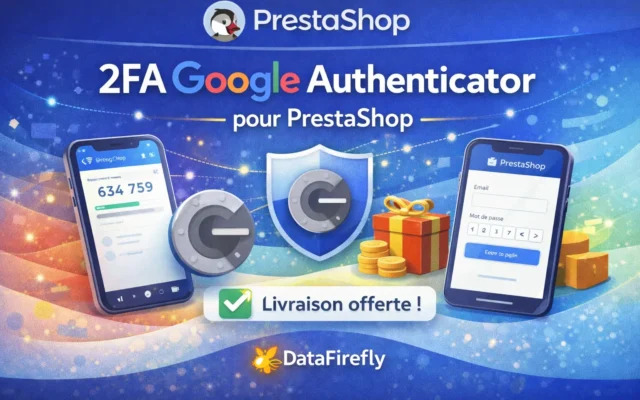
2FA Google Authenticator for PrestaShop
The first lockTwo-factor authentication for the back office. If you do only one thing for your security, do this: most intrusions go through a stolen admin login.
Enable two-factor authentication (2FA) on the PrestaShop 8 & 9 back office with any TOTP app: Google Authenticator, Authy, 1Password, Microsoft Authenticator. Recovery codes,…
€80.00 View the module -
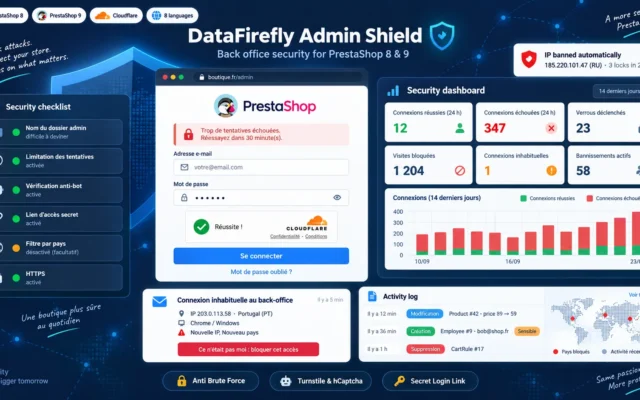
PrestaShop Admin Security 8 & 9: Brute Force Protection, IP Blocking and Captcha
The wall in front of the doorLogin attempt limits, IP and country blocking, renamed admin folder, Turnstile or hCaptcha, unusual login alerts. Attacks are stopped before they reach the password.
Lock down access to your PrestaShop back office: login attempt limiting, IP and country blocking, a secret access link, Turnstile or hCaptcha on the…
€129.00 View the module -
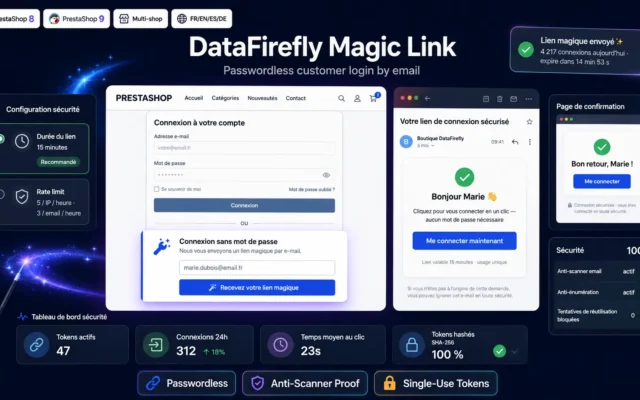
Passwordless Login (Magic Link) for PrestaShop 8 & 9
One less passwordPasswordless login through a single-use email link. What the customer doesn't know can't leak, and they no longer give up at login.
Passwordless login through a single-use email link. Hashed tokens, anti-prefetcher, anti-enumeration, rate limiting, multilingual emails. Compatible with PrestaShop 8 and 9.
€49.00 View the module -
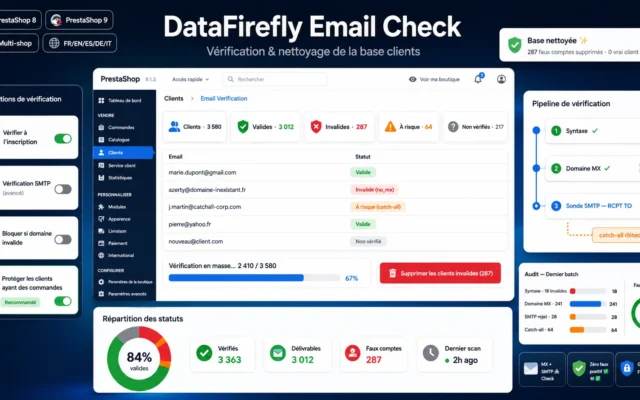
Customer Email Verification — Block fake signups & clean your database (PrestaShop 8 & 9)
A clean databaseEmail verification at sign-up: fake accounts are blocked and purged, without ever deleting a real customer by mistake.
Check the real validity of emails at signup and bulk-delete customers whose address does not exist — without ever erasing a real customer by…
€49.00 View the module -
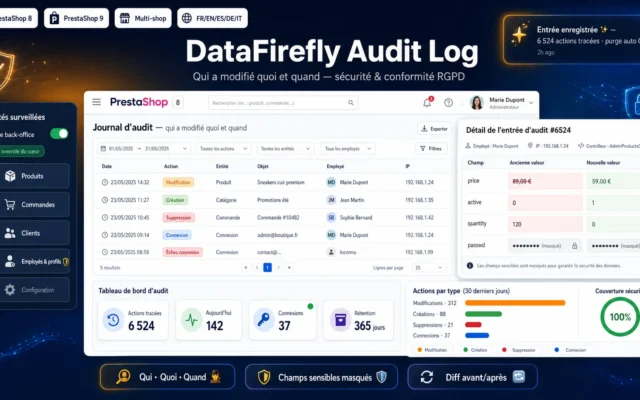
Back-Office Audit Log — Traceability & Compliance for PrestaShop 8 & 9
Proof of who did whatBack-office audit log: every creation, edit and deletion recorded before and after. Essential once there are several of you, and for GDPR.
Track every creation, update and deletion in the PrestaShop back office with the field-by-field before/after detail, the employee, the IP address and the timestamp.…
€49.00 View the module -
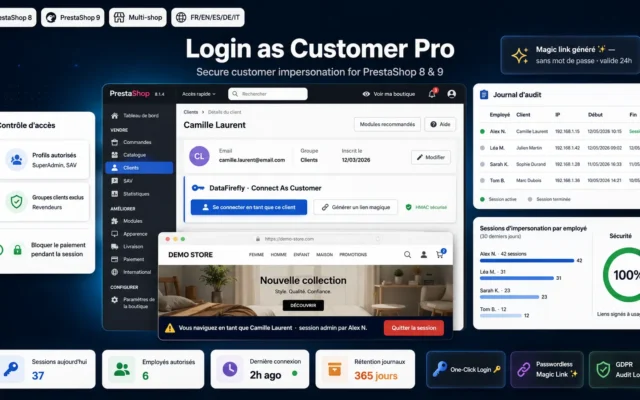
Login as Customer Pro — PrestaShop 8 / 9 Module
Support without sharing passwordsLog in as the customer, with the action logged, without ever asking for or storing their password. Clean troubleshooting.
Log in to any customer's account in one click from the PrestaShop 8 / 9 back office. Signed, expiring links, exit banner, passwordless magic…
€49.00 View the module
Side-by-side comparison
| Module | Best for | Price | Rating | Link |
|---|---|---|---|---|
| 2FA Google Authenticator for PrestaShop | The first lock | €80.00 | — | |
| PrestaShop Admin Security 8 & 9: Brute Force Protection, IP Blocking and Captcha | The wall in front of the door | €129.00 | — | |
| Passwordless Login (Magic Link) for PrestaShop 8 & 9 | One less password | €49.00 | — | |
| Customer Email Verification — Block fake signups & clean your database (PrestaShop 8 & 9) | A clean database | €49.00 | — | |
| Back-Office Audit Log — Traceability & Compliance for PrestaShop 8 & 9 | Proof of who did what | €49.00 | — | |
| Login as Customer Pro — PrestaShop 8 / 9 Module | Support without sharing passwords | €49.00 | — |
Security is not displayed — it is put in place
Every store sticks a “secure payment” padlock in the footer. It protects none of what really matters. The door people come through is the back office; the flaw they exploit is a password; the ghost that pollutes is a fake account.
Five doors, five locks
Securing a PrestaShop store is not a badge: it is closing, one by one, the doors the core leaves open. A second authentication factor for the admin, passwordless access for the customer, a base without fake accounts, and a trail of who did what.
Standards, not theatre
TOTP RFC 6238, AES-256 encryption, native hooks, no external dependency. What protects a store is not what you display — it is what you actually put in place.
How to choose
Security is not declared in the footer
"Secure payment", the little padlock, the SSL badge: they reassure the visitor, but they close no door. The real entrances are elsewhere — the back office, passwords, customer accounts — and that is where real locks belong.
Start with the back office
The vast majority of documented intrusions go through a compromised admin account. Two-factor authentication is therefore the best effort-to-impact measure: even a stolen password is no longer enough. Start opt-in with the reminder banner, then switch to mandatory.
Remove the password where you can
On the customer side, the password is both friction (a cart abandoned at login) and a risk (reused, weak, phished). The magic link removes it: a single-use email link, hashed in the database, that cannot be guessed or replayed.
Keep a clean, logged base
An address verified at signup is one fewer fake account. An audit log is the immediate answer to "who changed this price?" — and a pillar of GDPR accountability. Two habits that cost little and prevent a lot.
The red line
Security is not a display. A module that promises protection without encrypting secrets, without an open standard, without auditable source code, is worse than nothing: it is false assurance. Here, every brick rests on a verifiable standard — TOTP, AES-256, native hooks — and ships its source code.
What you gain
A second factor for the admin
Even with the password, no access without the phone. The measure that would have blocked the vast majority of documented intrusions.
Zero password on the customer side
A single-use email link replaces the password: fewer drop-offs, fewer tickets, nothing to remember or steal.
A base without ghosts
Every address is verified at signup; fake accounts are spotted and purged without ever touching a real customer.
Who changed what, and when
Every back-office action logged, field by field, with the employee and the IP. The traceability GDPR also requires.
Standards, not gadgets
TOTP RFC 6238, AES-256, native hooks. No core modification, no external dependency.
From install to results
-
Enable admin 2FA
The most cost-effective lock. Start opt-in, switch to mandatory once adoption is there.
-
Remove the customer password
The magic link: nothing to remember for the customer, nothing to steal for the attacker.
-
Clean your base
Verify emails at signup, purge fake accounts without risking a real customer.
-
Log the back office
The audit log as soon as several people work on it.
-
Never share a password
Logged login-as-customer for support, without ever asking for the password.
“We thought we were secure because we had the little SSL padlock. The day an admin account got phished, we understood the difference between displaying security and actually having it.”
Frequently asked questions
If I do only one thing, where should I start?
With back-office two-factor authentication. Most documented intrusions go through a compromised admin account, so it is the best effort-to-impact measure. Even a stolen password no longer lets anyone in without the second factor.
Is the magic link less secure than a password?
No, rather more secure. The link carries a single-use random token, stored in the database only as a SHA-256 hash, with a short expiry and rate limiting. There is nothing to reuse, guess or phish like a fixed password. The classic form stays available alongside it.
Can email verification delete a real customer?
No. An address is only marked invalid on a definite negative signal (syntax, domain with no MX, explicit SMTP rejection). Any ambiguous case stays "unchecked" and is never deleted, and customers who already ordered are protected by default.
Is the audit log a GDPR thing?
It is a pillar of it: traceability and accountability of access and processing. The module records who changed what, field by field, while automatically masking sensitive fields (passwords, keys, tokens) and purging according to the retention period you set.
Do these modules slow the store down?
No. They rely on native hooks and direct SQL writes, with no core override. Heavy checks (the SMTP probe) are reserved for bulk processing in the back office, never for the checkout funnel.
Do they need an external service (SMS, cloud, subscription)?
No. Everything is local and based on open standards: TOTP (RFC 6238) for 2FA, native transactional emails for the magic link, DNS/SMTP for verification. No per-user cost, no third-party dependency.
Is it compatible with PrestaShop 9?
Yes. The whole selection covers PrestaShop 8.0 to 9.x, including the new Symfony login page of the PrestaShop 9 back office.
Not sure which one fits your store?
Tell us your context — we answer with a straight recommendation, not a sales pitch.