
Everything you'd want to know before you install.
A detailed look at how Multi-Carrier Order Tracking Page — Branded Timeline (PrestaShop 8 & 9) works, why we built it the way we did, and the thinking behind the features above.
§ 01
Your customers stay with you, not with the carrier
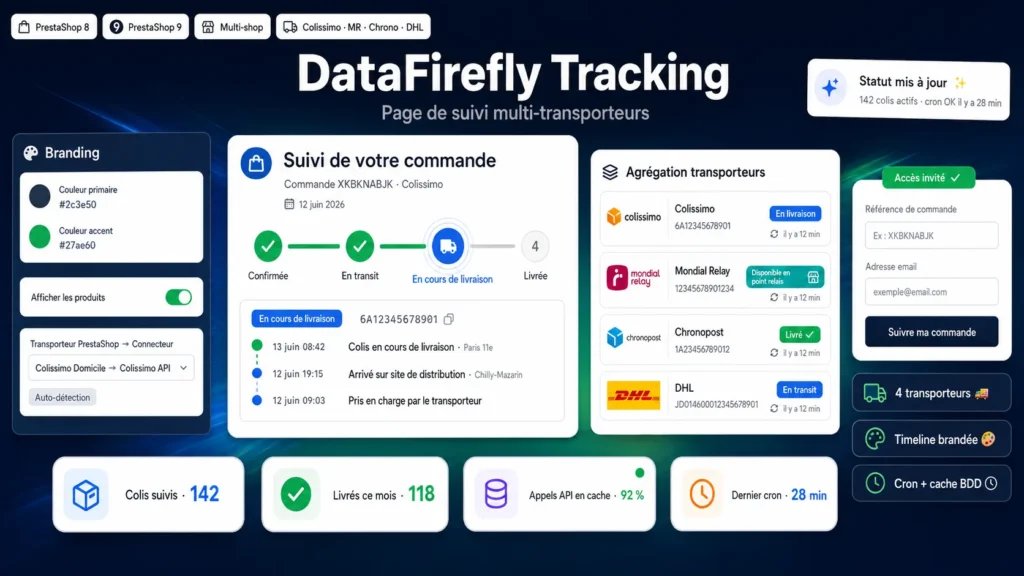
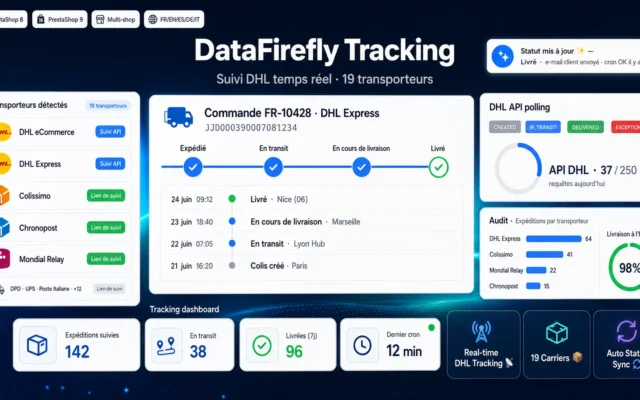
As soon as a tracking number is set on an order, the module queries the matching carrier API and shows the progress on a tracking page embedded in your store: a 4-step timeline, a detailed event history, and a status per package. Customers are no longer redirected to a third-party website in someone else's colors — your brand follows the order all the way to delivery.
§ 02
Simple setup, robust operation
Enter your API credentials in the back office, map your PrestaShop carriers to the connectors (or let name-based auto-detection do the work), and you're set. Statuses are cached in the database and refreshed by a secured cron: the page stays instant even with many orders, and your API quotas are preserved. Delivered packages are no longer polled.
§ 03
Built to reduce support load
The “Track my package” link appears in the order detail and customer account; guests find their order with their reference and email. In case of a delivery incident or a package waiting at a pickup point, the status is clearly highlighted — your customers are informed before they even think of contacting support.

There are no reviews yet.