
Everything you'd want to know before you install.
A detailed look at how DataFirefly SideCart — Side cart panel for PrestaShop 8 works, why we built it the way we did, and the thinking behind the features above.
§ 01
Why a side cart?
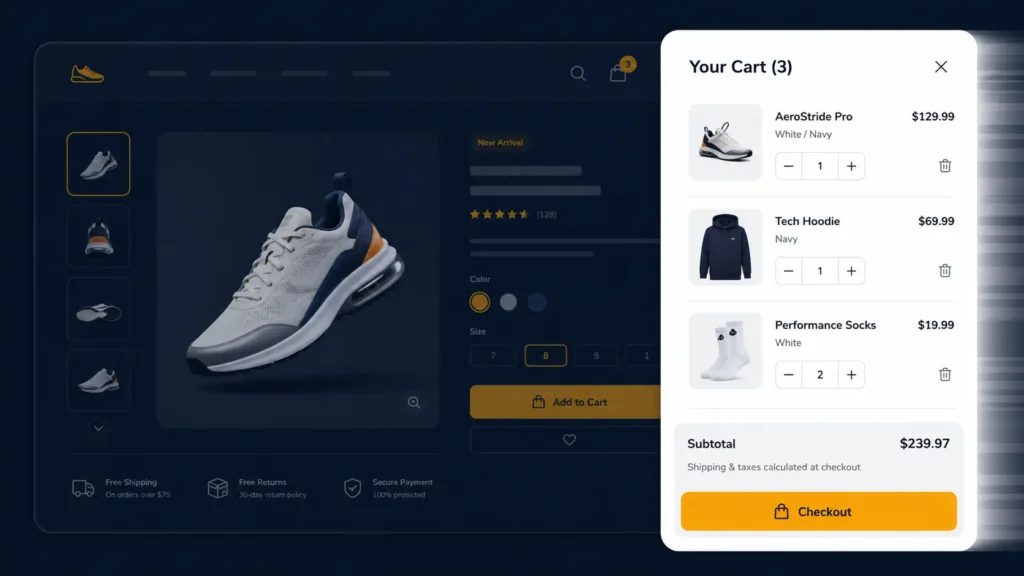
Out of 100 visitors who click "Add to cart", how many land on the cart page and abandon? Many. The redirect breaks the moment when buying intent is strongest. SideCart fixes that: the customer sees their cart fill up without leaving the product page, and can either keep shopping or go to checkout in one click. It's the standard UX pattern of Amazon, Shopify, and any store that takes conversion seriously.
§ 02
What the customer sees
A 380px panel that slides in from the right side (configurable to left) with smooth animation. Inside: the list of products with image, name, variant, unit price and quantity control. At the bottom, the subtotal updated in real time, plus optionally VAT and estimated shipping. Two action buttons: view cart details or go directly to checkout. The overlay behind the panel is clickable to close.
§ 03
Configuration in 5 minutes
Install the ZIP via the PrestaShop module manager, then go to Modules → DataFirefly SideCart → Configure. A single settings page with: Enable / Disable, Position (Left / Right), Auto-open on add (Yes / No), Overlay (Yes / No), Auto-close (Yes / No) + delay in seconds, Main color (color picker), and three checkboxes to display Subtotal / VAT / Shipping. Save, it's live.
§ 04
Architecture and performance
The module uses native PrestaShop 8 hooks (displayHeader for assets, actionCartUpdateQuantityBefore to detect adds, displayAfterBodyOpeningTag to inject the panel). The CSS is under 10 KB gzipped, the JS under 8 KB. No external dependency — no jQuery required, no framework. Impact on Core Web Vitals is zero or negative (removing the redirect to /cart improves perceived LCP).
§ 05
Multistore compatibility
Fully compatible with PrestaShop multistore: each sub-store can have its own configuration (different color, different position, hooks enabled or not). Configuration variables are stored via Configuration::updateValue with the standard multistore context.
§ 06
Mobile and accessibility
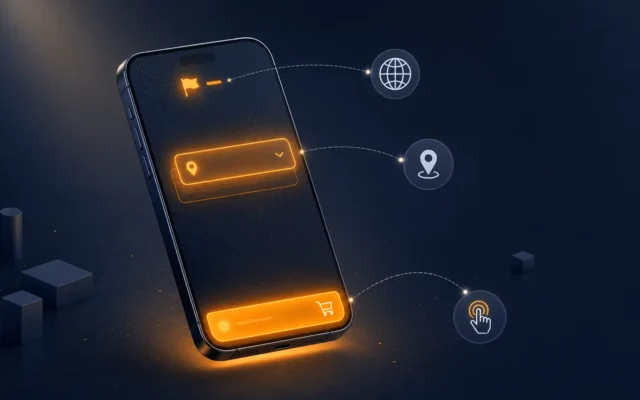
On mobile (< 768 px), the panel expands to full screen for maximum readability. Closing is possible via the Esc key, the X button in the corner, the click on the overlay, or the lateral swipe (where the device supports it). All interactive elements have ARIA labels and the focus is trapped inside the panel when open.


There are no reviews yet.