
Everything you'd want to know before you install.
A detailed look at how DataFirefly Cookie Consent — GDPR Cookie Banner & Google Consent Mode v2 for WordPress works, why we built it the way we did, and the thinking behind the features above.
§ 01
A banner is useless if trackers run before the choice
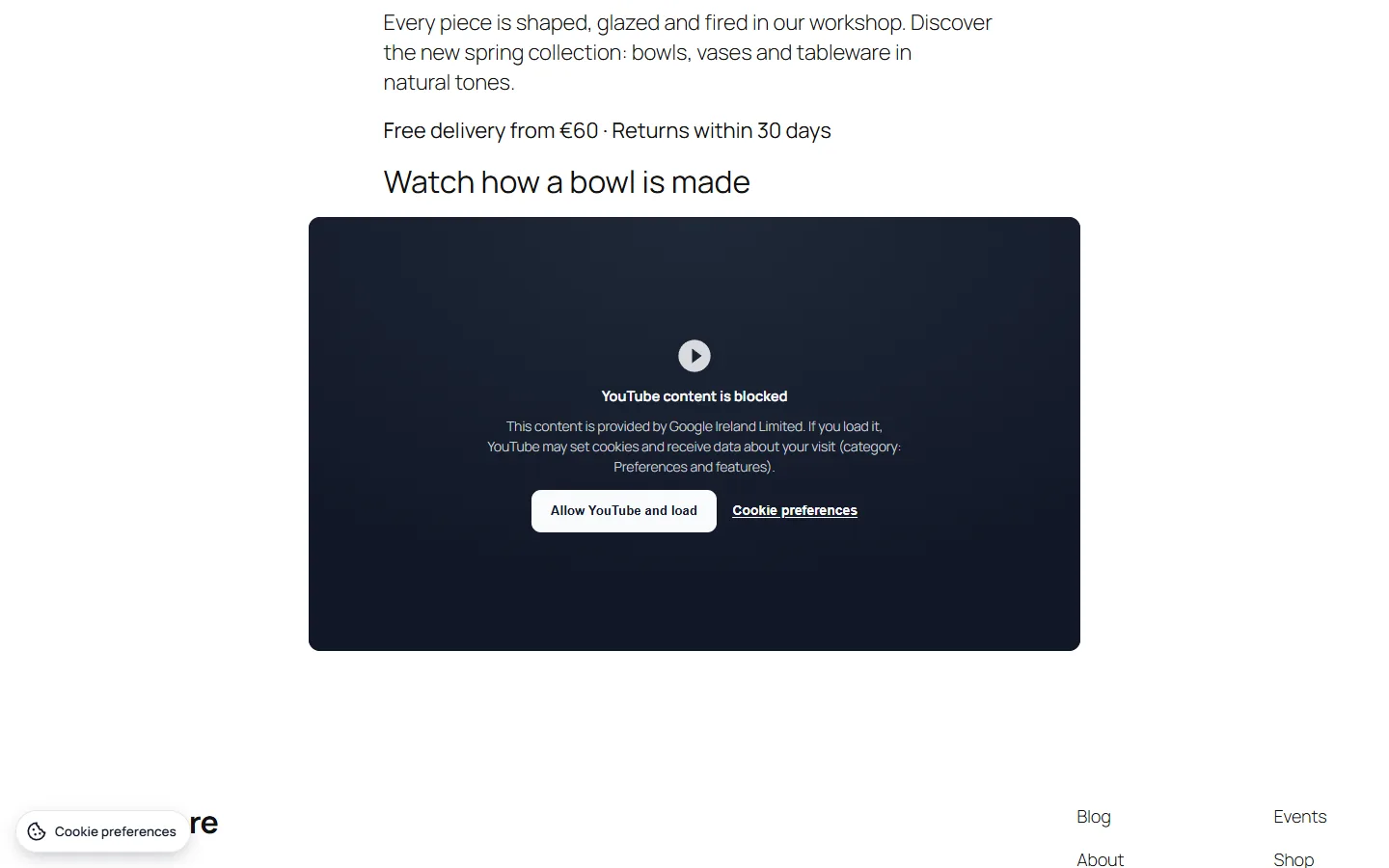
Many sites show a banner while their analytics, advertising pixels and embedded videos load anyway. Version 2.0 filters the page before it leaves your server: the tags of known services — whether they come from your theme, another plugin or a snippet pasted by hand — are kept inert until the visitor allows them, then run in their original order. Embedded videos and maps are replaced by a placeholder of the same size that offers to load that service only.
§ 02
Google Consent Mode v2, in the right order
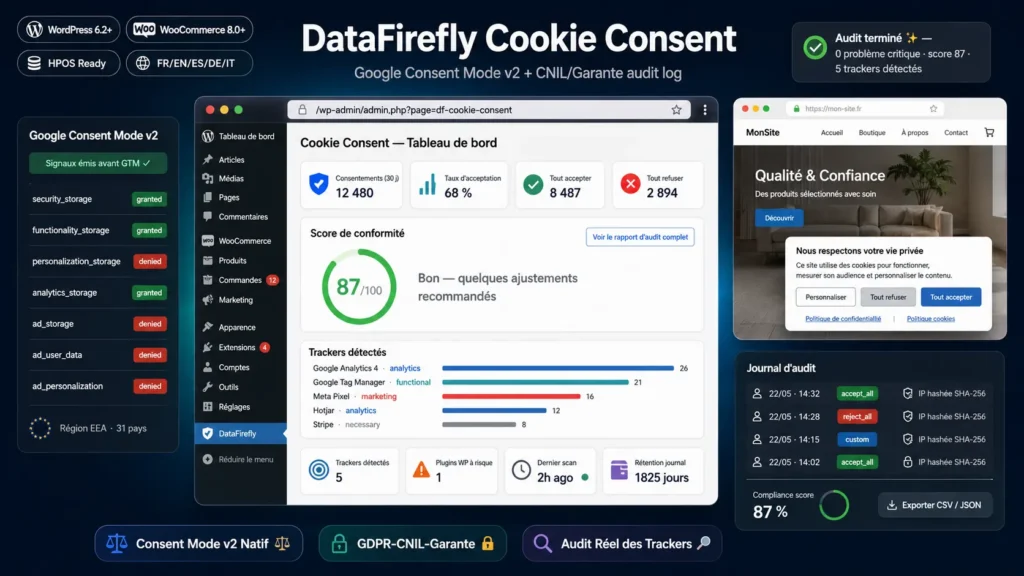
Google asks for its consent signals to be set before any of its tags and updated as soon as the visitor chooses. The plugin writes the “denied” default state right after the opening head tag, even above tags written by a theme, applies the stored choice before any tag runs, and sends the update on each choice, with ad_user_data and ad_personalization. In basic mode (the default), Google tags only load after consent; in advanced mode they load with “denied” and send cookieless pings, a choice to make with your legal adviser.
§ 03
A choice that is clear, fair and easy to change
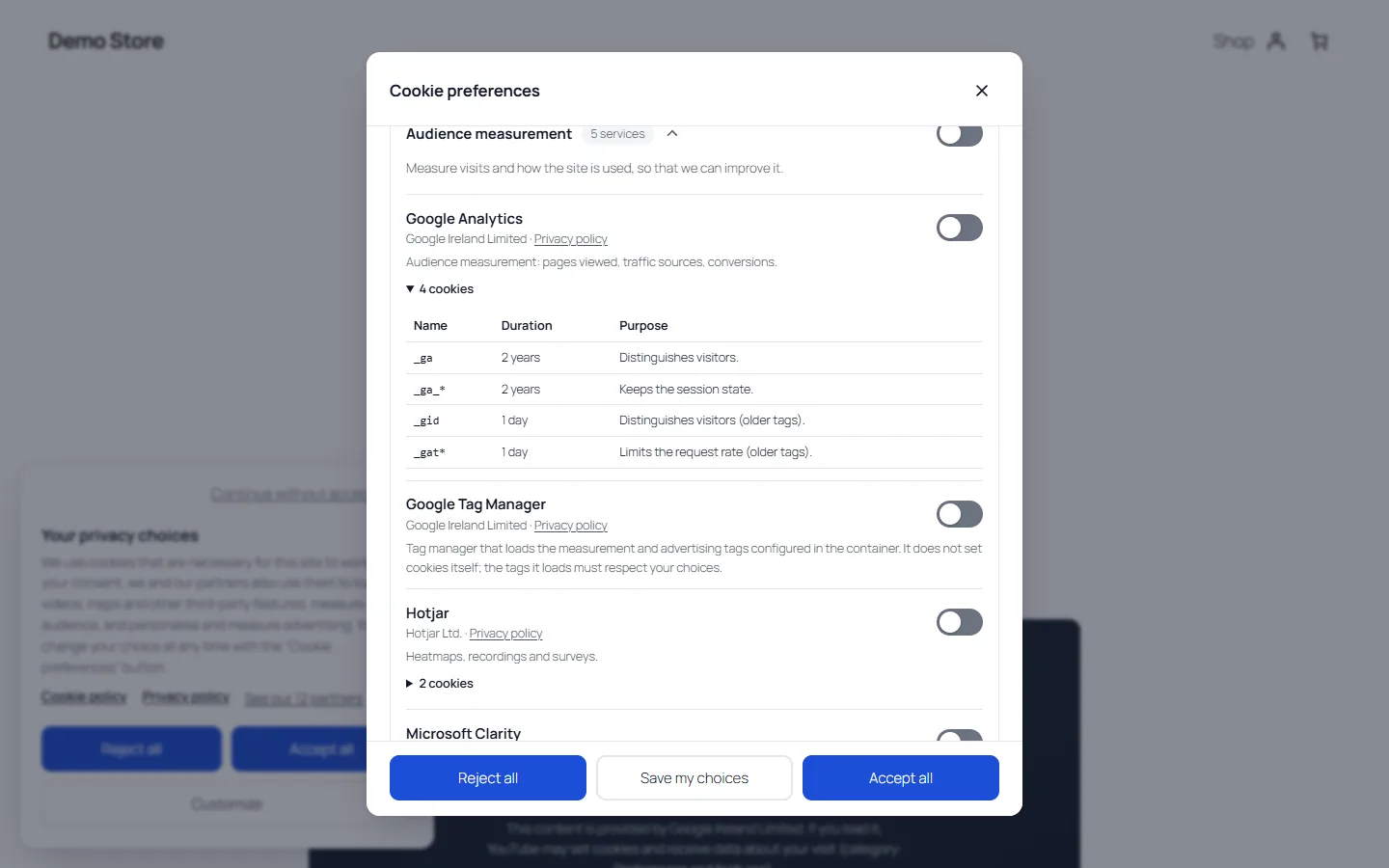
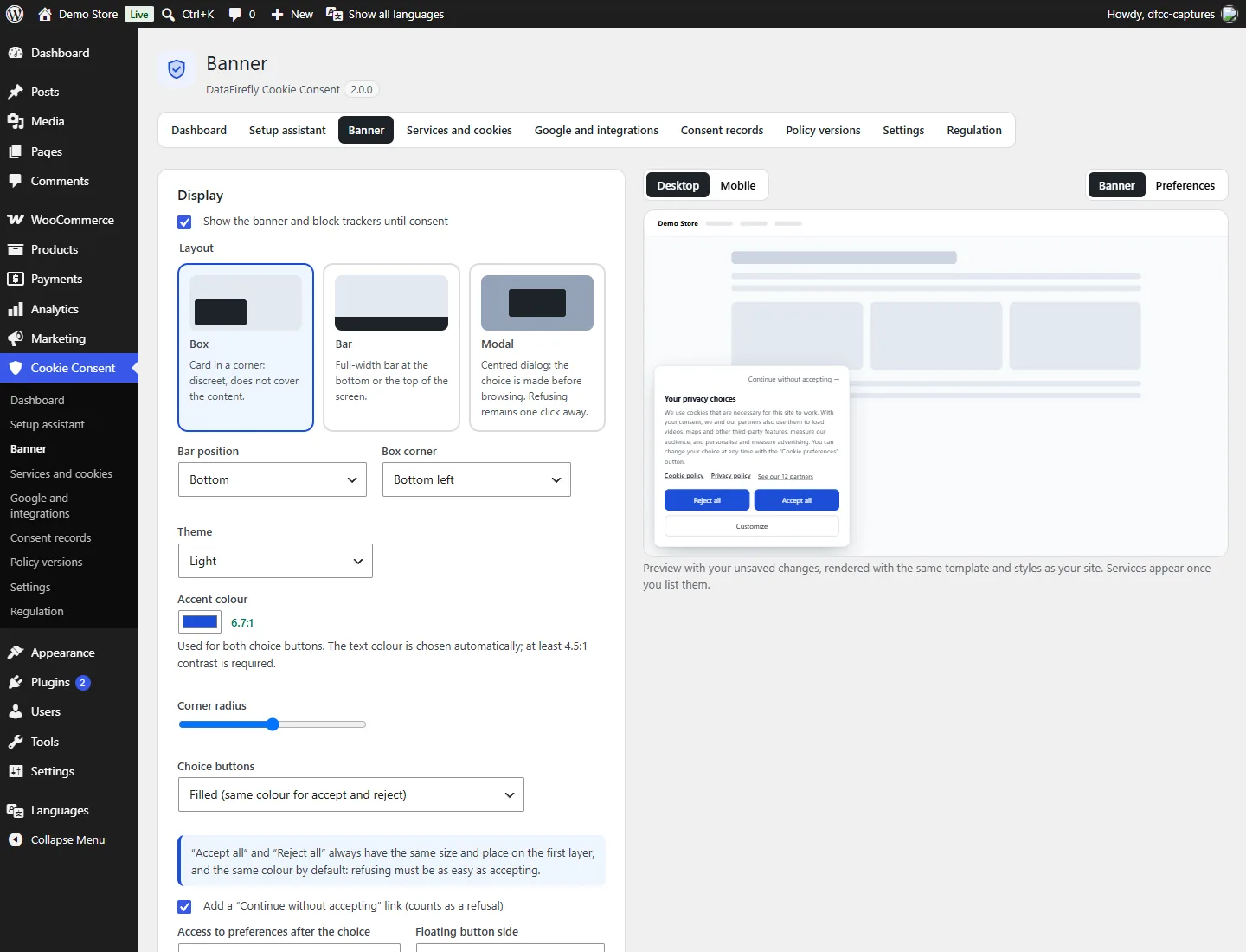
“Reject all” and “Accept all” have the same size and place, and the same colour unless you choose to highlight “Accept all”; “Customize” opens preferences per category and per service, with each provider, its privacy policy and its cookies. A permanent button lets visitors change or withdraw their choice at any time; refused services are blocked again and their cookies deleted. The choice is kept 6 months, and a new version of your policy asks visitors again.
§ 04
Proof you can show
Each choice is recorded with a random consent ID (also visible to the visitor), its date, the choices, the policy version and the language, sealed with a key so that later changes can be detected. Export the records in CSV or JSON, show the history of one consent ID or delete it on request. No IP address is stored by default, and you set the retention period.
§ 05
Know what your site really does
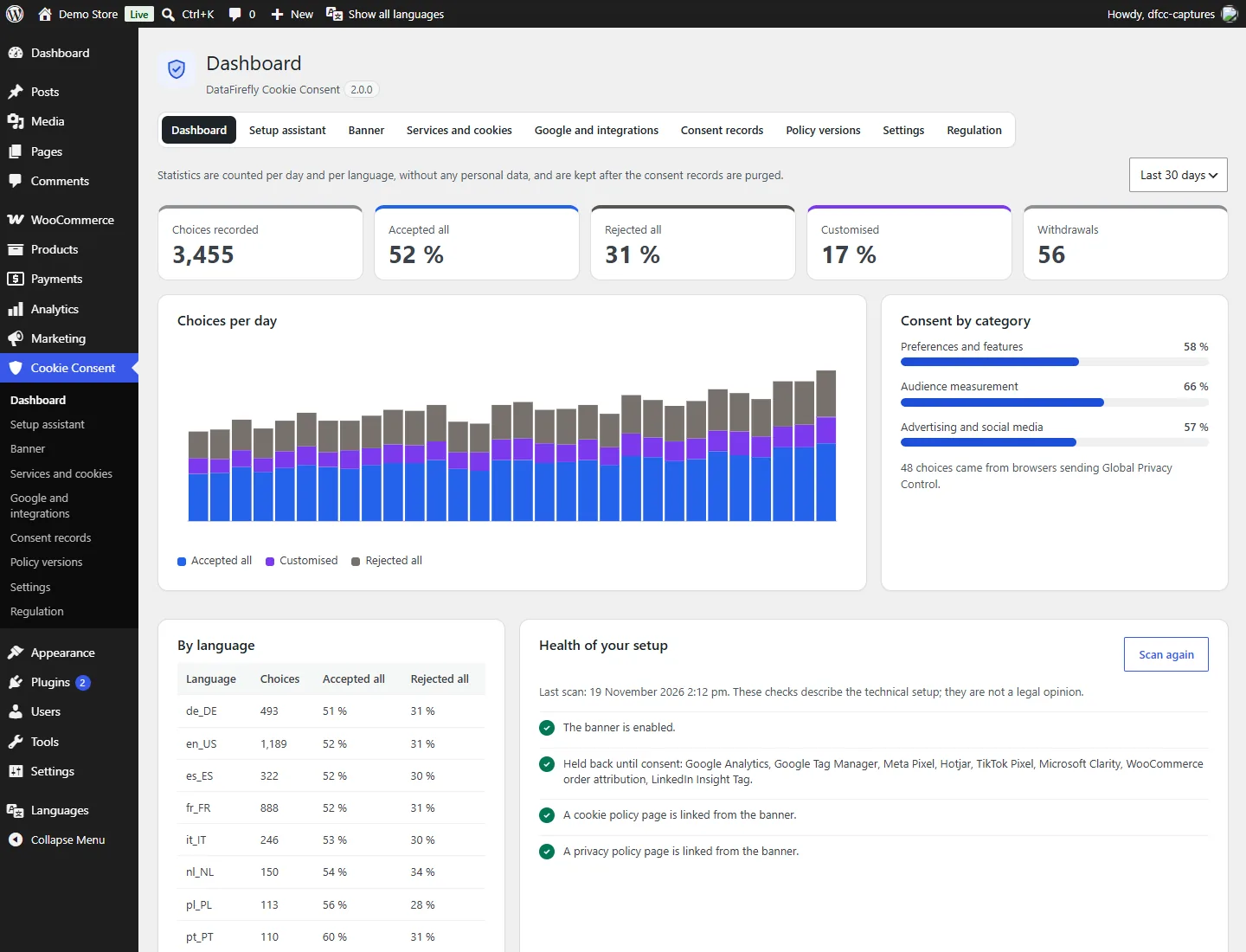
The scanner loads your main pages as written and as a new visitor receives them, lists the services it recognises and checks that each one waits for consent. It flags unknown third-party scripts, cookies reported by visitors’ browsers that no listed service explains, and another consent plugin left active. The dashboard shows acceptance, refusal and customisation rates per category and per language, without personal data.
§ 06
Designed for real stores
Same HTML for every visitor, so page caches keep working; WooCommerce cart and checkout cookies are never blocked, while order attribution waits for consent; Polylang and WPML show the banner in the language of the page; the WP Consent API passes the choices to WooCommerce and Site Kit. The visual designer previews the banner on desktop and mobile, with your texts in each language.
§ 07
What it does not do
The plugin is not an IAB TCF v2.3 CMP and not a Google-certified CMP: if you show AdSense, Ad Manager or AdMob ads in the EEA, the UK or Switzerland, Google requires a certified CMP for those ads. It cannot delete cookies set on other domains, and tags fired later by a tag manager must use that tool’s consent settings. It gives you the technical means to collect valid consent; it does not make a site compliant by itself and is not legal advice.




There are no reviews yet.