A store selling B2C regularly receives professional enquiries: a public body wanting thirty units, a reseller asking for a trade price, a company that needs a quote for its purchasing department. The reflex is to switch on PrestaShop’s B2B mode. That is almost always a mistake.
What “switching to B2B” actually does
The option sits in Shop parameters > Customers, and it transforms the store far more deeply than its label suggests.
- Prices display excluding tax by default, which immediately confuses a private customer.
- The registration form fills up with professional fields: company name, registration number, VAT number, headcount.
- New accounts may require manual validation before they can order.
- Notions of permanent discount and authorised outstanding balance appear at customer level.
On a store where 95% of revenue is B2C, that switch degrades the journey of almost every visitor in order to serve a minority. The cure costs more than the disease.
The targeted approach
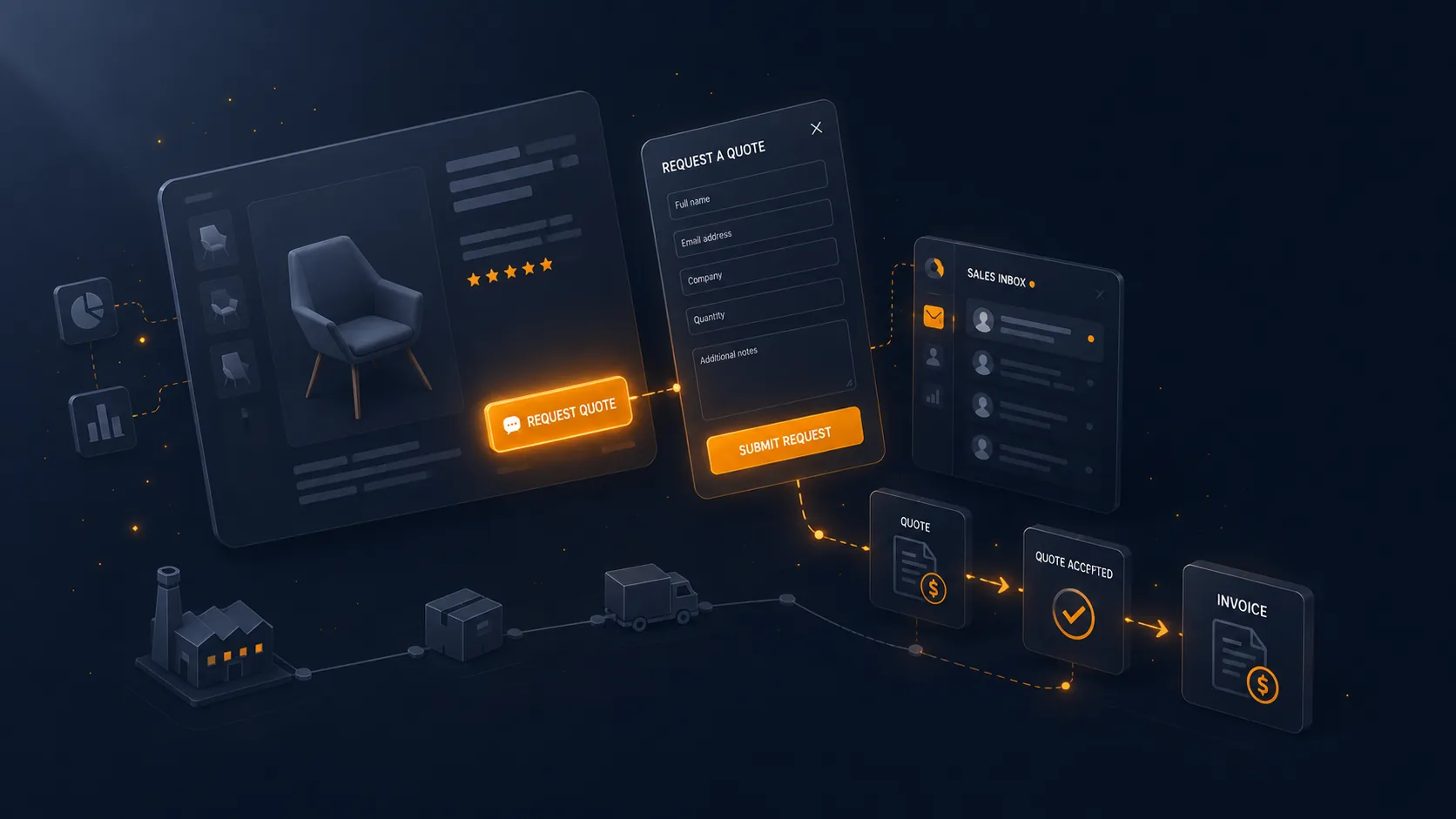
The store stays B2C. You add a parallel channel: a quote request button, visible only in the situations where it makes sense, triggering human handling.
Nothing changes for the private customer buying one unit. The professional with a specific need finds a suitable path without you having transformed your funnel.
Where to place the button
Four triggers, to combine according to your catalogue.
- Beyond a quantity threshold. The selector reaches ten units, a message offers a quote request for an adapted price. This is the most natural trigger: it appears at the exact moment the customer expresses a volume need.
- On a product selection. References sold to professionals, heavy equipment, made-to-order products. The button coexists with add to cart.
- On products with no displayed price. For custom work or equipment whose price depends on installation, the button replaces direct purchase.
- From the cart. A discreet link along the lines of “Are you a business? Request a quote for this cart” turns an existing selection into a request, without the customer having to re-enter everything.
The fourth is the most productive and the least often implemented.
 DataFirefly B2B Quote RequestSell B2B: from quote to order, without leaving PrestaShop€79.00
What not to do
Replacing the buy button with a quote button across the whole catalogue. You then lose every direct sale, including those from professionals in a hurry who would have paid the displayed price without negotiating.
The rule: the quote is added, it does not replace. Both buttons coexist, with a clear visual hierarchy in favour of immediate purchase.
The form
Three fields are enough to open the discussion: company name, an email and a phone number. Add a free field for the need, and possibly a pre-filled quantity field.
Company registration and intra-EU VAT numbers only matter at invoicing time. Asking for them at request stage cuts the submission rate without bringing anything: you will collect them at conversion, once the customer is committed.
An attachment is useful on public tenders and calls for proposals, where the customer sends specifications. Limit the formats and the size, and scan what comes in.
The internal workflow
A quote request landing in a shared mailbox gets lost. Four elements have to exist as a minimum.
A request queue visible in the back office, with a status per request. A designated owner per request, even if you work alone: it forces clarity on who has to act. A target time for first response, twenty-four working hours is a reasonable marker, because the customer has often approached three suppliers the same day. A history kept per customer, which lets you find the price granted last time.
Following up
A quote request with no answer from the customer is not a refusal. Two follow-ups are enough: one at five days, one at fifteen. The first simply recalls the quote and offers to answer questions. The second mentions the validity deadline, which gives an objective reason to get back in touch.
Beyond that, file the request without deleting it. A request from last year is a qualified contact for the next campaign.
Once the quote is accepted
The rest of the journey, quote states, validity period, deposit and conversion into an order, deserves the same rigour. That is where deals already won get lost, for want of a maintained link between the quote and the final order.
The B2B Quote Request module for PrestaShop sets up this parallel channel on PrestaShop 8 and 9, without enabling native B2B mode: conditional button by product, category or quantity, request from the cart, processing queue in the back office and conversion into an order once the quote is accepted.