
Sage PrestaShop Connector
Sage and PrestaShop synced, no more double entry.
No more double entry, no more discrepancies between Sage and PrestaShop. Custom module that syncs products, stocks, customers, orders, and invoices both ways. Free ODBC / API audit, firm quote within 24h.
To make headway on your own before handing us the job: our selection of modules to connect your ERP and CRM and the one for bulk catalogue management.
How we can help
Catalog sync
Products, prices, technical sheets, photos, ranges, attributes from Sage to PS.
Stock sync
Real-time or batch stock, multi-warehouse, low-stock alerts, cart reservation.
Customer sync
PS customers automatically created in Sage with dedicated account, address dedup.
Order export
PS orders exported to Sage with correct journal, customer code, detailed lines.
Invoices & credit notes
Sage invoices linked to PS orders. Credit notes handled in Sage, reflected in PS.
Accounting mappings
VAT mappings, accounting accounts, sales journals. Accountant-compliant.
Monitoring & alerts
Structured logs, mail / Slack error alerts, real-time back-office dashboard.
Code & support
Source code delivered, docs, ZIP, 12 months of compatibility maintenance included.
How we work
-
01
Free Sage audit
Inventory of your Sage: version, number of products, multi-company, multi-warehouse.
-
02
Technical scoping
Sync flow scope, frequency, accounting mappings. Firm quote within 24h.
-
03
Development (4-6 wks)
Module + Sage export script development. Tests on a dump of your database.
-
04
Acceptance + go-live
Acceptance on PS staging, flow-by-flow validation, rollback ready, production deployment.
Tech stack
Some of our modules
Built and maintained by the same team that handles your custom work.
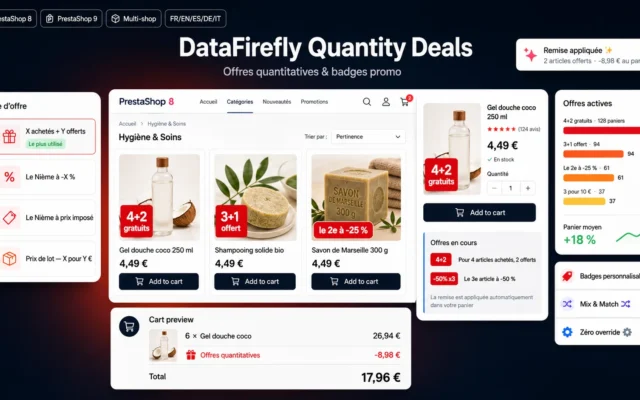 Marketing & Promotions
 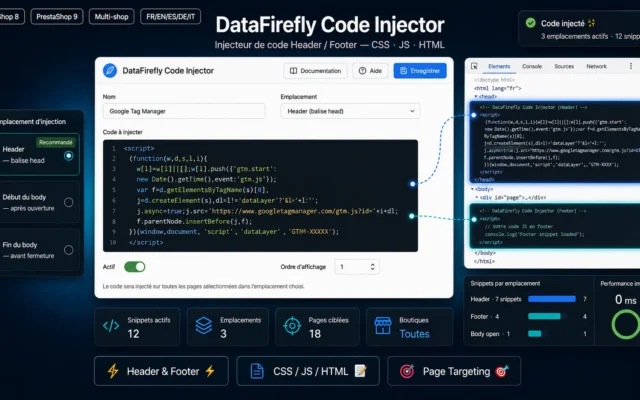 Free
Free 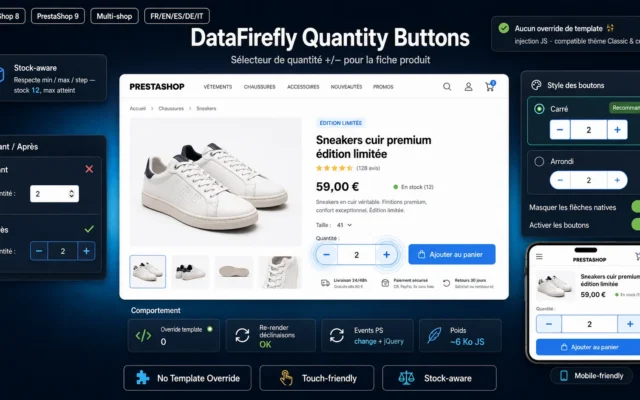 Free
Free Guides & documentation.
Documentation
Ready when you are.
No pitch — just an honest assessment of your project in 20 minutes.
Frequently asked questions
Which Sage versions do you work with?
Sage 100c, Sage 50c, Sage Business Cloud, Sage X3, Sage 1000, and older on-premise versions via ODBC. For Sage cloud versions, we use the official REST APIs. For on-premise versions, we connect via ODBC or direct SQL read (if your IT allows it). The quote specifies the chosen method based on your version.
Which flows are synced between Sage and PrestaShop?
Six standard flows: (1) catalog — products, prices, stocks, technical sheets from Sage to PrestaShop; (2) orders — PS orders automatically created in Sage with the right journal and customer account; (3) customers — automatic Sage customer account creation on first order, smart dedup; (4) invoices — Sage invoices linked to PS orders; (5) credit notes — handled in Sage and reflected in PS; (6) inventory — real-time or batch update of PS stocks from Sage.
Real-time or batch synchronization?
Both options are possible based on your need. Real-time (via webhook or short polling) for critical stocks on low-quantity products or flash sales. Batch every 5 / 15 / 60 minutes for shops with stable catalogs and moderate traffic. Frequency is configurable item by item — stocks every 5 min, prices every hour, customers in real time on creation.
Do you handle multi-warehouse?
Yes by default. Sage multi-warehouse management maps onto PrestaShop warehouses (advanced stock management). You can choose: total stock visible PS-side (sum of all warehouses), or stock per warehouse with checkout choice, or custom business rules (e.g., "ship from Lyon if customer is in Rhône-Alpes, otherwise Paris").
How much does development cost?
For a standard Sage 100 / Sage 50 → PrestaShop connector (catalog, stocks, orders, customers): from €6,000, delivered in 4 to 6 weeks. For Sage X3 or Sage 1000 with advanced accounting mappings, multi-company, and customized flows: €12,000 to €25,000. Free audit determines the method (ODBC / API / files) and the actual cost.
Is the code mine? And maintenance?
Source code is delivered (PrestaShop module sources + Sage / server-side scripts), no IP clause. 12 months of compatibility updates included (new Sage / PrestaShop versions, fixes). After that, optional discounted maintenance subscription to stay on the latest versions of both systems.
How do I know the sync is working?
Yes by default. Structured logs of every operation (product creation, order creation, stock sync, etc.), 30-day retention, mail / Slack alerts on sync errors, PrestaShop back-office dashboard to visualize the live flow. Merchants see what's happening, and the technical team has logs to debug if something goes wrong.