

Everything you'd want to know before you install.
A detailed look at how Deal of the Day for PrestaShop 8 & 9 with Countdown and Limited Stock works, why we built it the way we did, and the thinking behind the features above.
Why a deal of the day
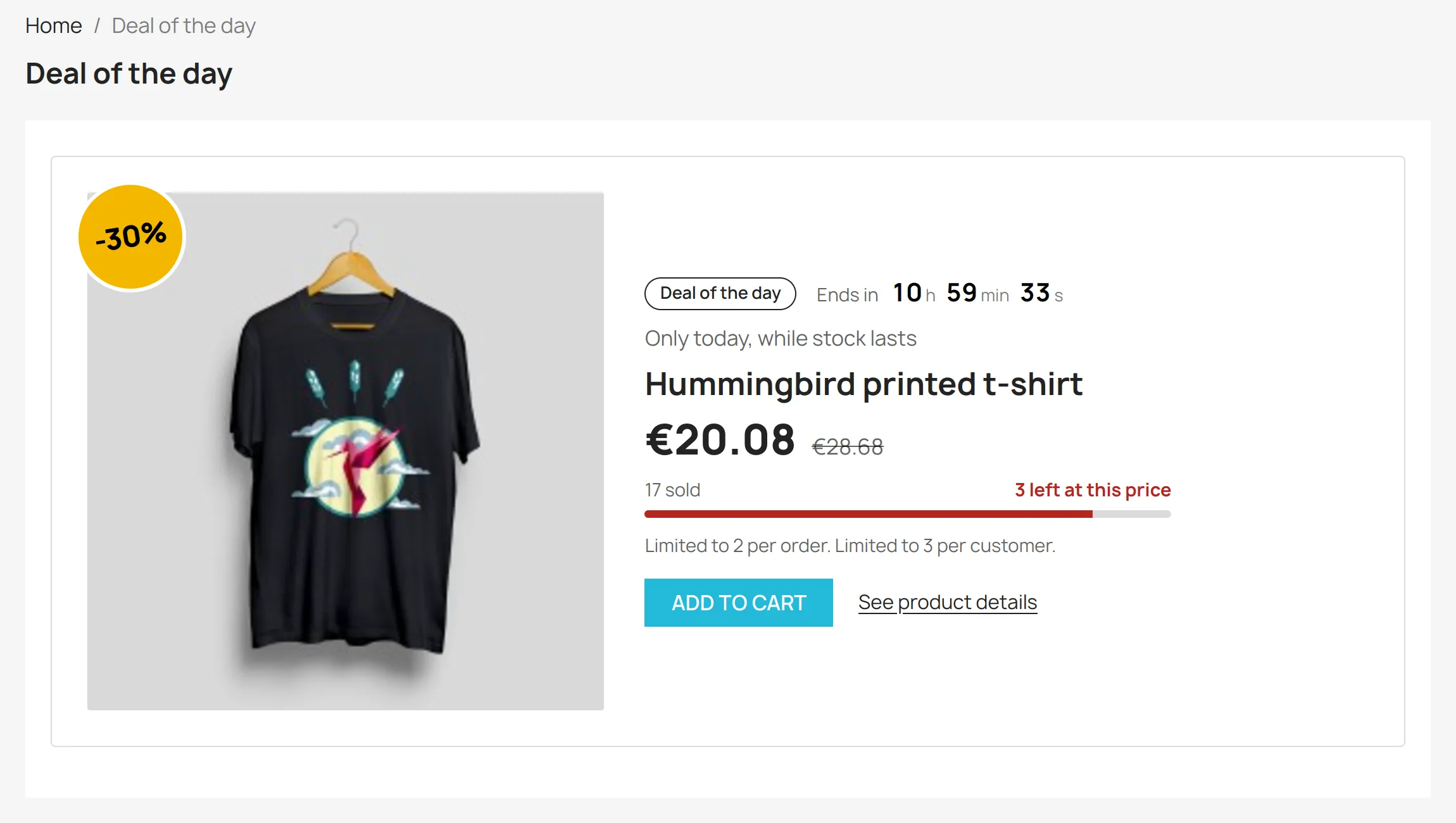
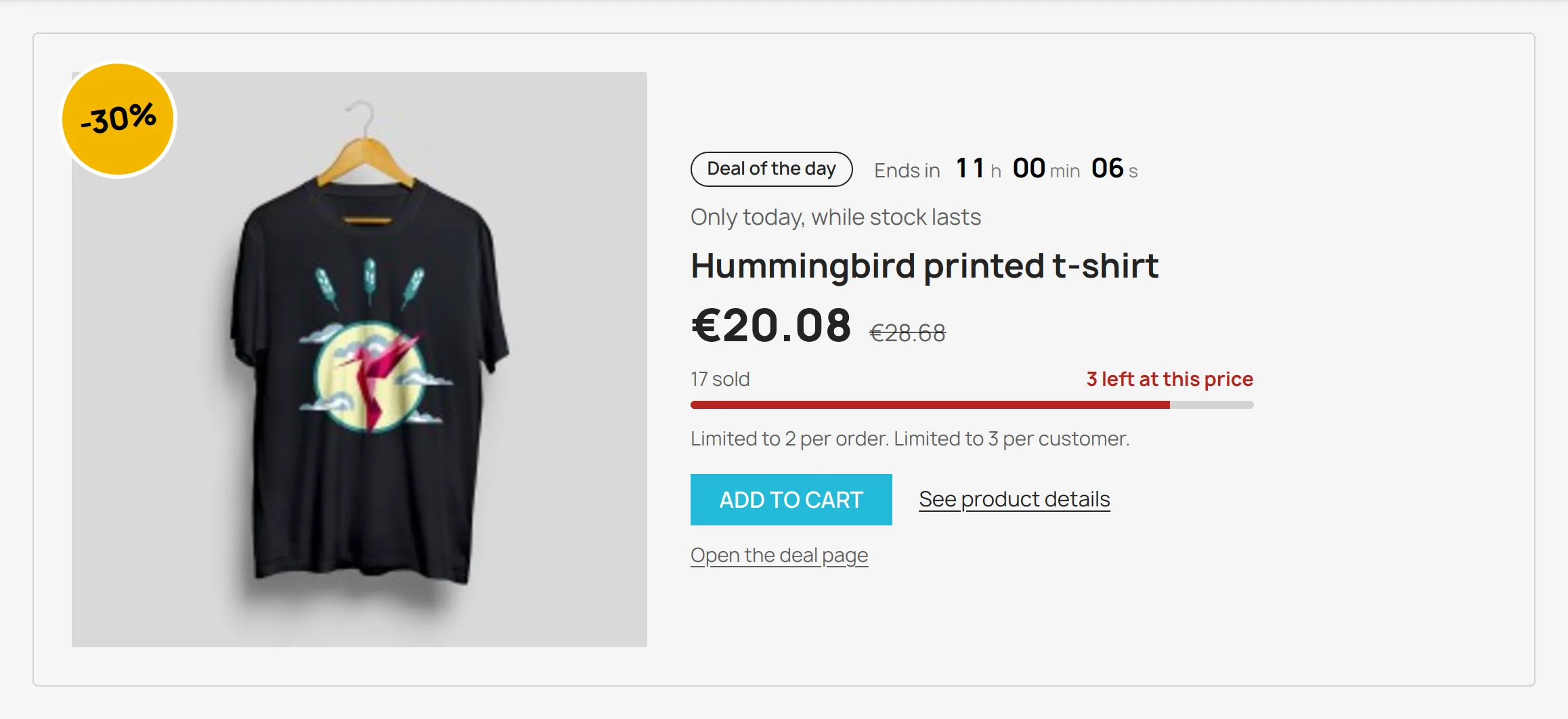
A permanent discount ends up going unnoticed. A deal that changes every day, with reserved stock and a visible end, gives visitors a reason to come back and to decide quickly. It is also a clean way to clear a specific product, launch a new one or rotate your catalog on the home page, without touching your catalog prices.
A price that starts and stops by itself
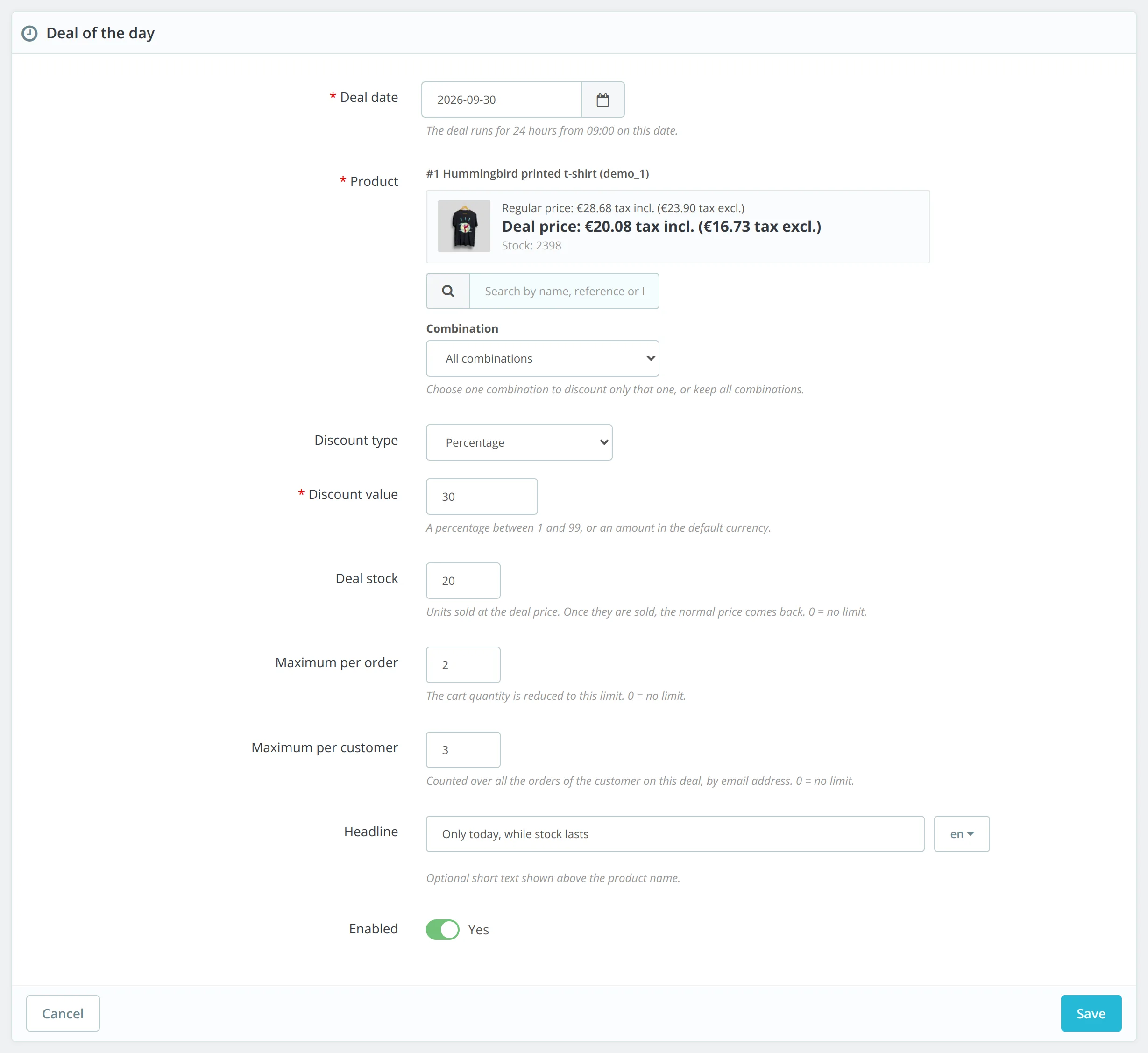
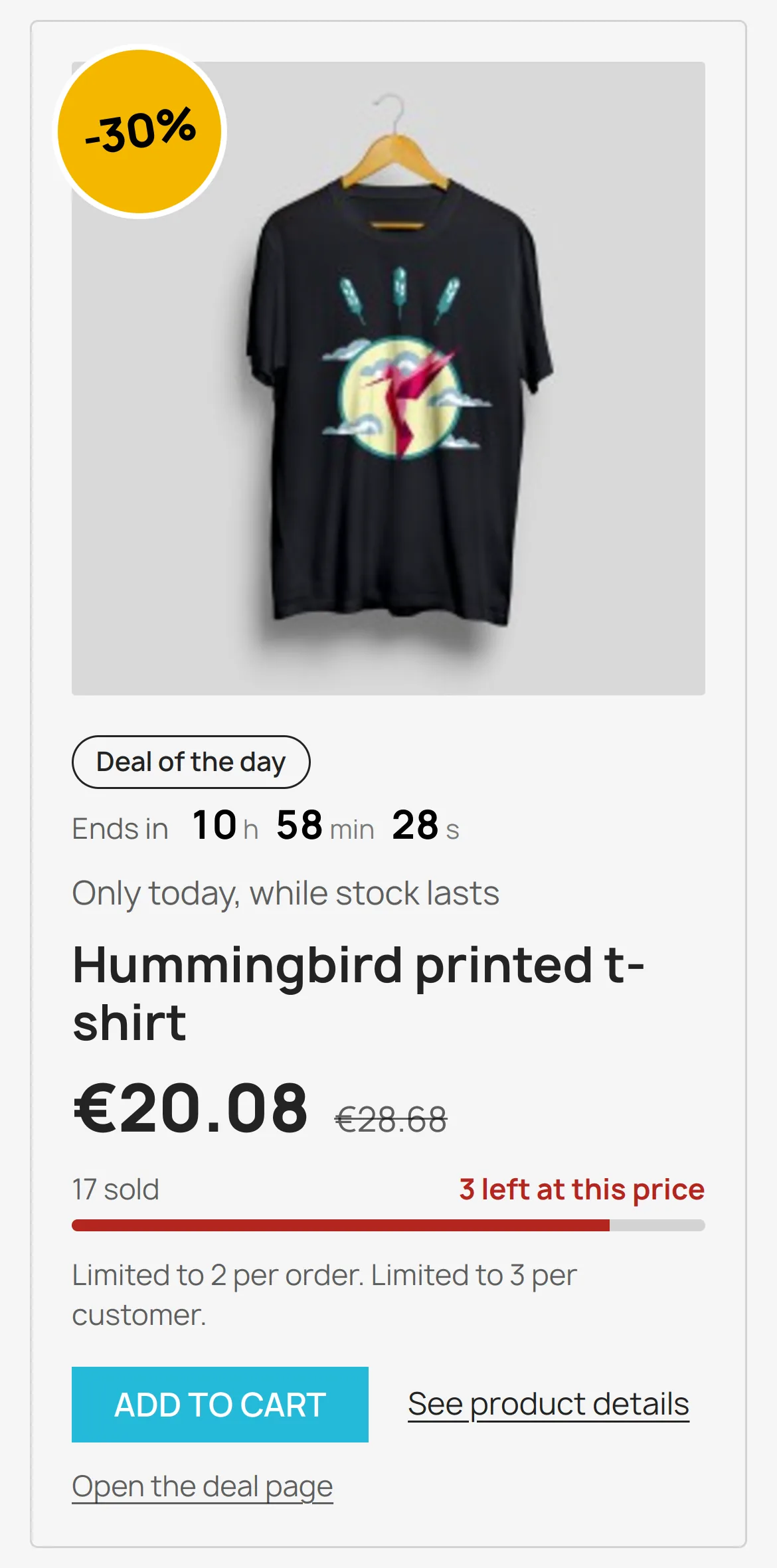
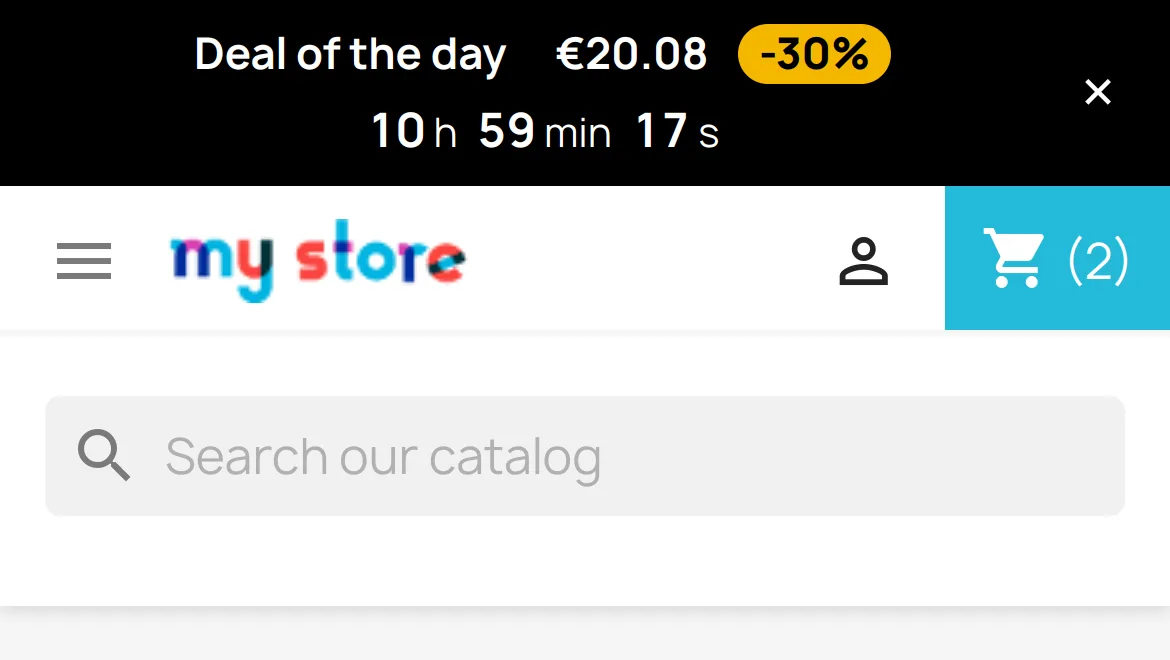
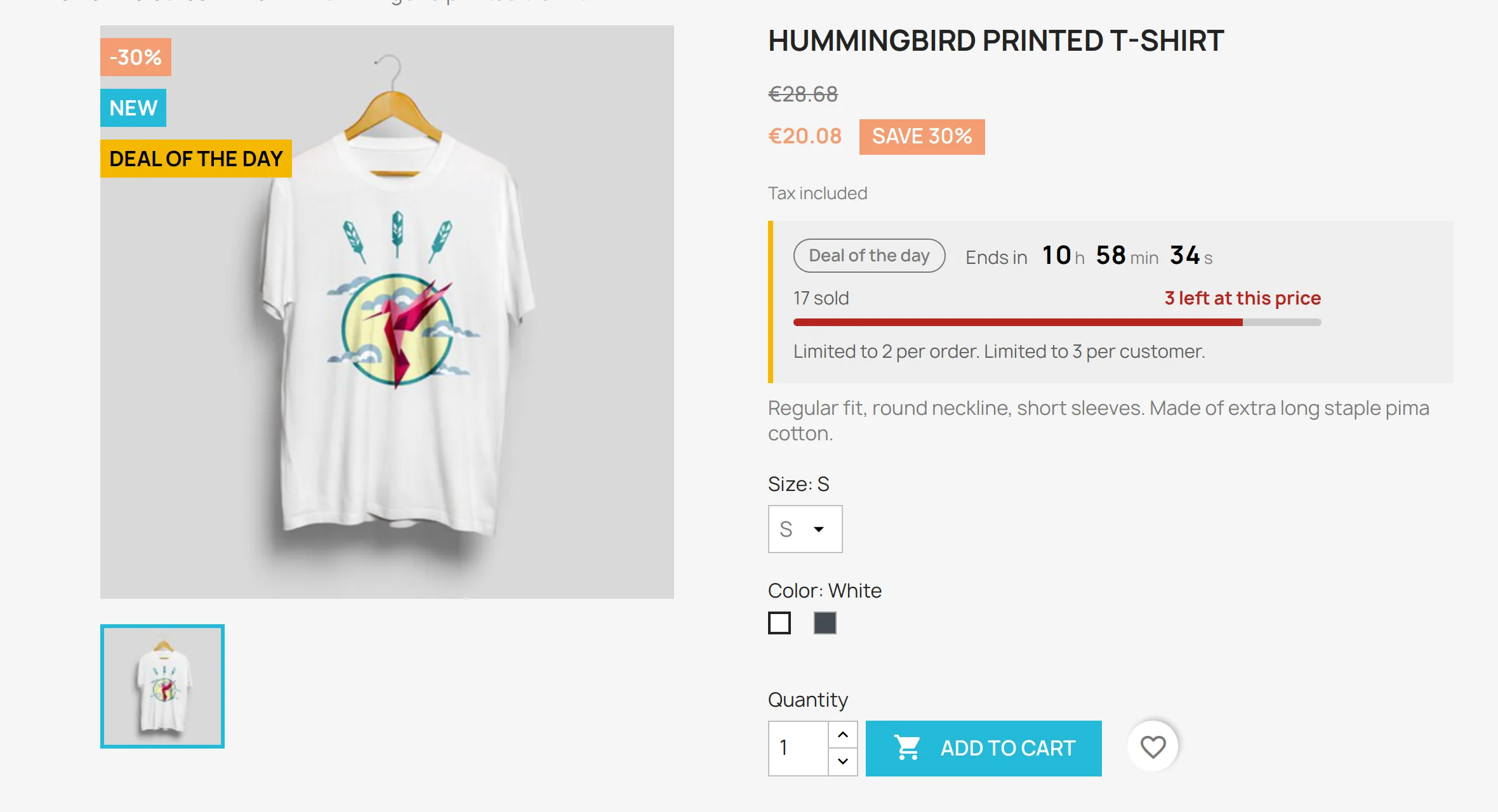
The module does not rewrite your prices. Each deal creates a native PrestaShop specific price whose start and end dates cover its 24-hour window. The deal price therefore applies wherever PrestaShop computes a price, including the cart and the invoice, and it stops at the planned time with no CRON task. If the deal stock is sold or you disable the deal, the specific price is removed and the normal price comes back.
Reserved stock, per order and per customer limits
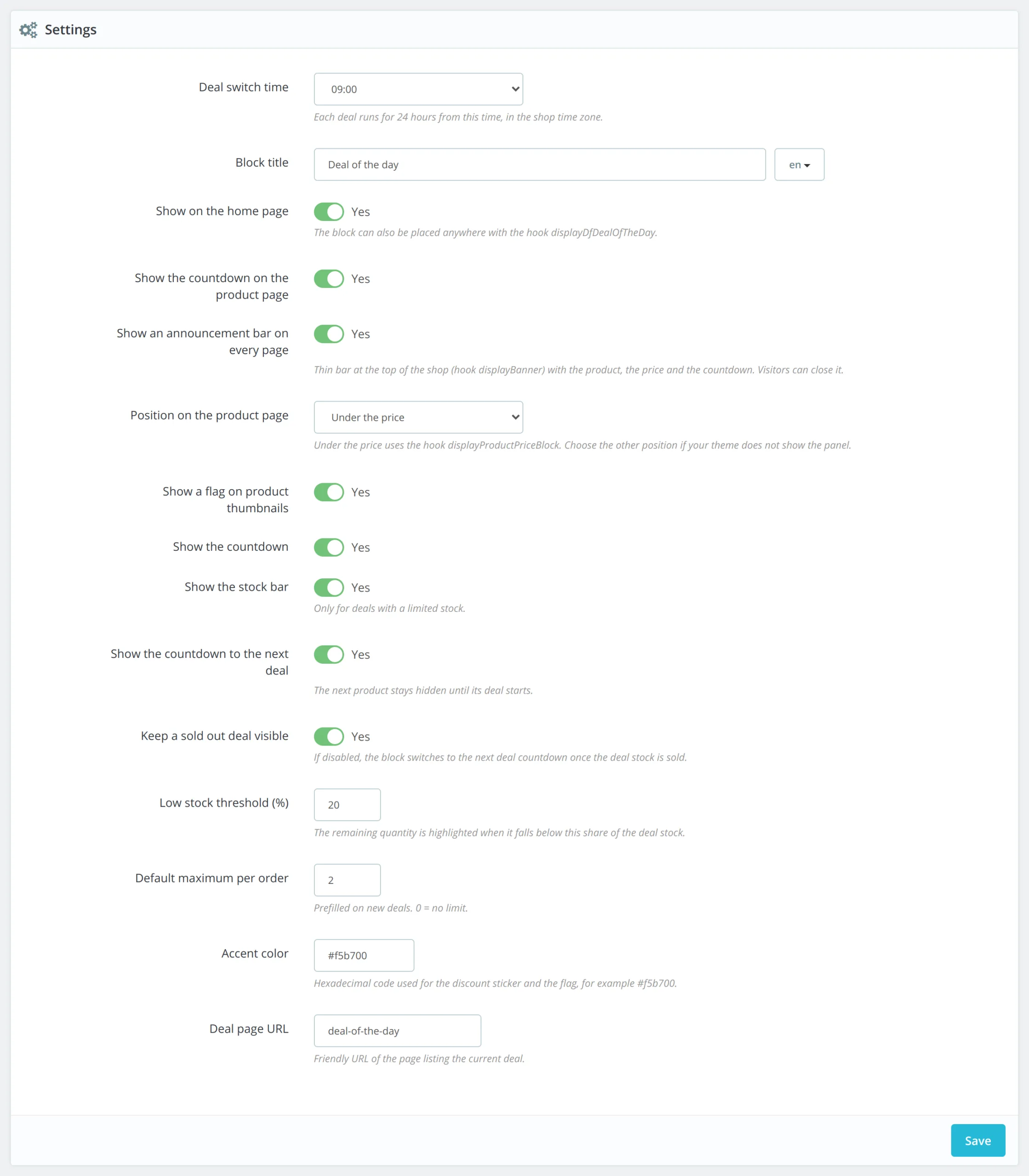
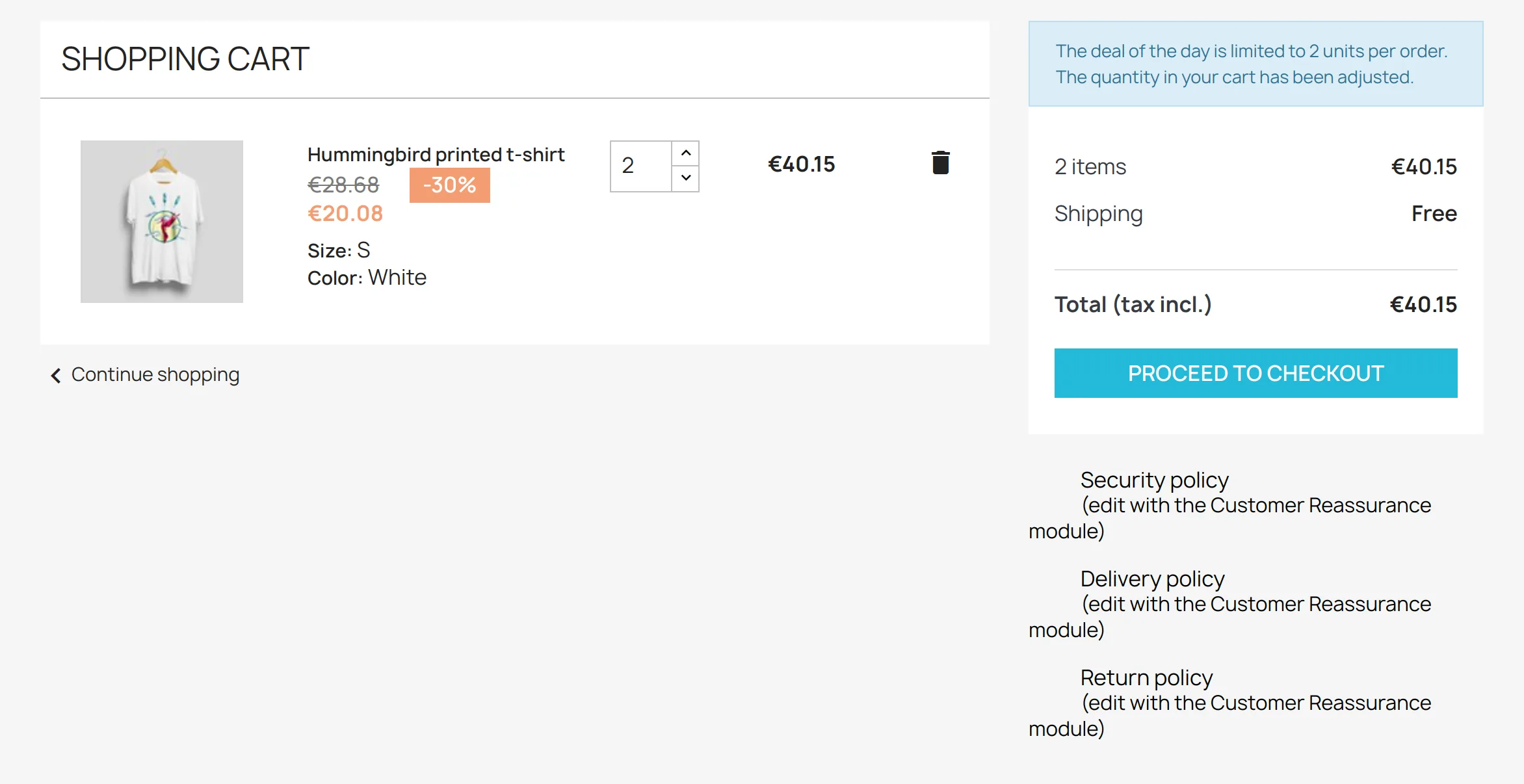
You choose how many units go at the deal price. Sales are counted when each order is validated, and a cancelled order gives its units back. The cart is capped to the remaining stock, the per order limit and the per customer limit, counted by email address so that several guest orders with the same address count together. The customer sees a clear message in the cart, and the quantity field on the product page is limited accordingly.
Plan weeks ahead
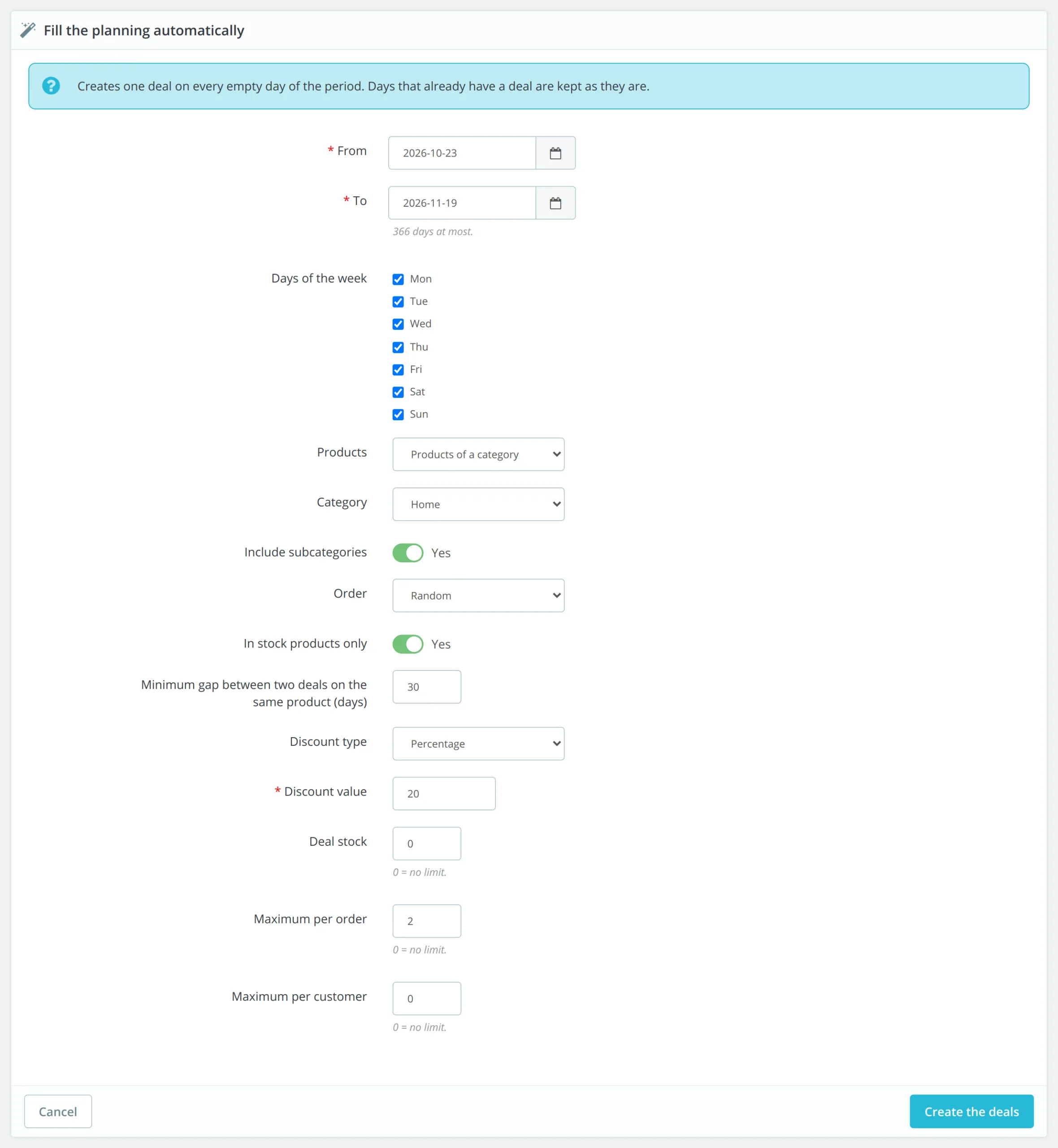
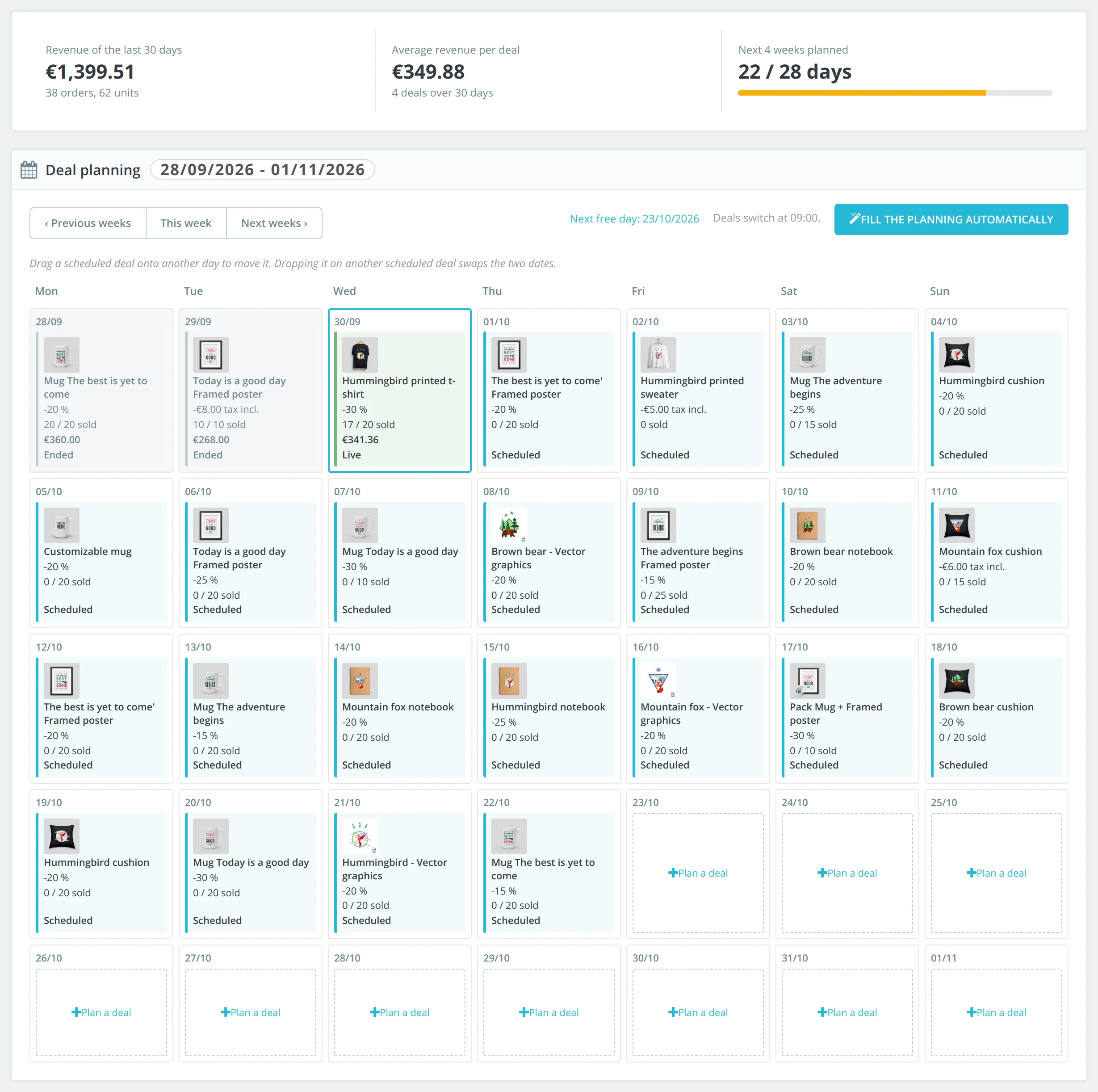
The calendar shows five weeks with each deal, its discount, its sales and its status. Move a deal with drag and drop, swap it with another one, or copy it to the next free day. To fill a month at once, the automatic planning fill creates one deal per empty day from a category, a list of IDs or your best sellers, following the chosen days of the week and a minimum gap between two deals on the same product.
Figures to see what works
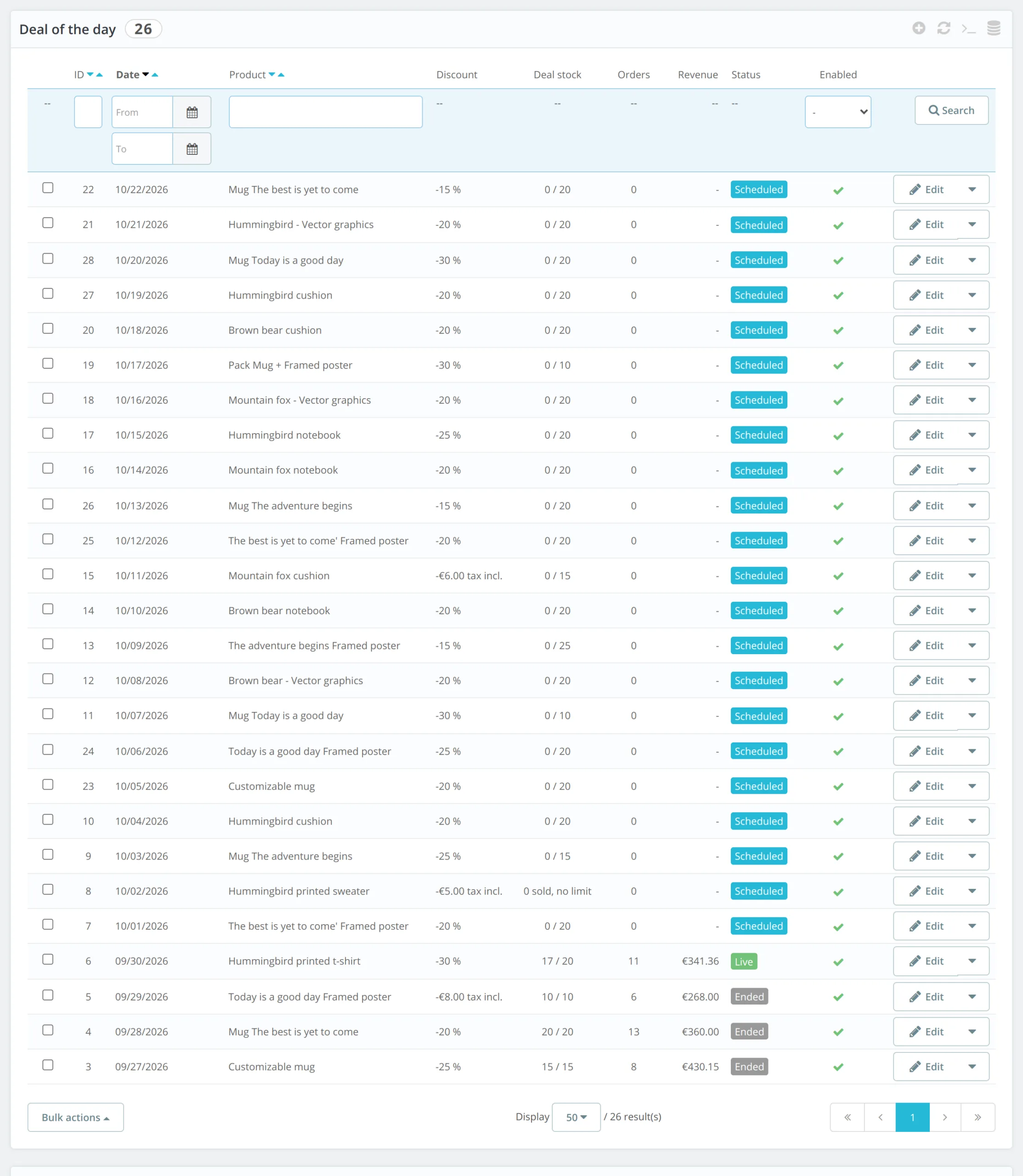
Each sale records the customer, the units and the amount with and without tax, converted to the default currency. The deal list shows orders and revenue per deal, and the top of the page sums up the revenue of the last 30 days, the average revenue per deal and the share of the next 4 weeks already planned.





There are no reviews yet.