
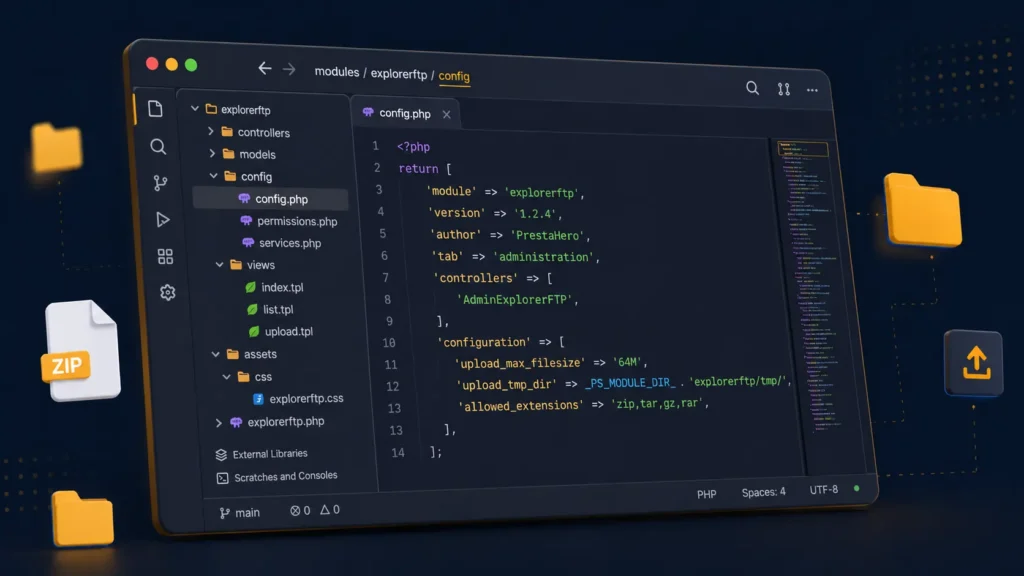
Everything you'd want to know before you install.
A detailed look at how Explorer FTP — PrestaShop 8 file manager works, why we built it the way we did, and the thinking behind the features above.
Why Explorer FTP?
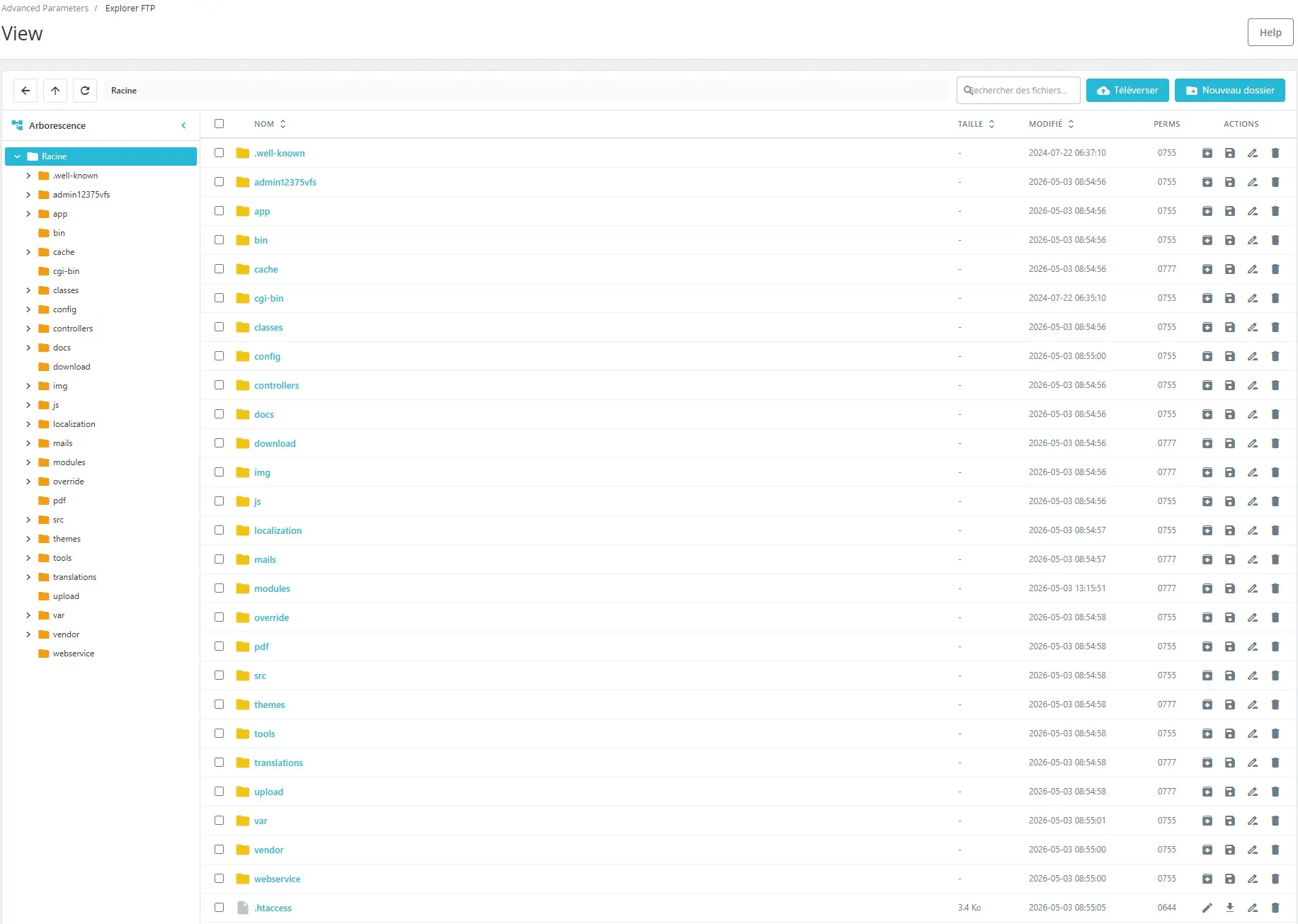
When you develop or maintain a PrestaShop store, you spend your time editing files: a template override, a custom hook, a stylesheet, a config file. The classic method — FileZilla + local IDE + re-upload — is three windows, two passwords and a permanent risk of overwriting the wrong version. Explorer FTP eliminates that loop: everything happens in the tab of your back-office, with the same rights as your admin.
The integrated code editor
Embeds CodeMirror 5.65 with about twenty syntax-highlighting modes. Whether you're touching a Smarty .tpl, a PrestaShop 8 .twig, a .yml configuration file or an SQL import script, syntax highlighting and code folding are already there. In-file search, jump to a precise line, auto-closing brackets and matching-bracket indication — the editor has nothing to envy VS Code for routine edits.
Security model
All operations are restricted to the PrestaShop root (_PS_ROOT_DIR_), no way to climb above it. Editable extensions are on a strict whitelist (php, tpl, twig, css, js, json, xml, yml, sql, etc.). Every AJAX request is validated by PrestaShop admin token, so only an authenticated admin can interact. The module exposes no public endpoint and reveals nothing outside the back-office.
The ZIP workflow
Download a complete folder as ZIP in two clicks — handy for archiving a theme before modifications. The other way round, drop a module .zip on the server and the module can decompress it where you choose. Ideal for deploying a fixed module without going back through PrestaShop's Modules → Upload.
Install and onboarding
Upload the ZIP via Modules → Module Manager → Install a module, then click Install. The Explorer FTP tab appears immediately under Advanced Parameters. No configuration required: the root is auto-detected, permissions inherit from your admin. Count five minutes from download to first navigation.
What it does not do
Explorer FTP is not an FTP client in the network sense: it does not connect to remote servers, it acts only on the local files of your PrestaShop. This is intentional: security comes from removing the attack surface. For server-to-server transfers, keep using a classic FTP client.
There are no reviews yet.