
DF Glossary — SEO Glossary for PrestaShop 1.7.8, 8 & 9
Install and configure the SEO glossary: terms, synonyms, automatic tooltips, indexable definition pages and internal linking to your products.
DF Glossary turns the technical terms in your descriptions into links with tooltips, publishes a definition page for each term (A–Z index, instant search, categories) and links each definition to the related products. Version 2.0.0, compatible with PrestaShop 1.7.8 to 9 (tested on 1.7.8.11, 8.2.1 and 9.1.5, Classic and Hummingbird themes).
Installation and update
- In Modules > Module Manager, click Upload a module and drop
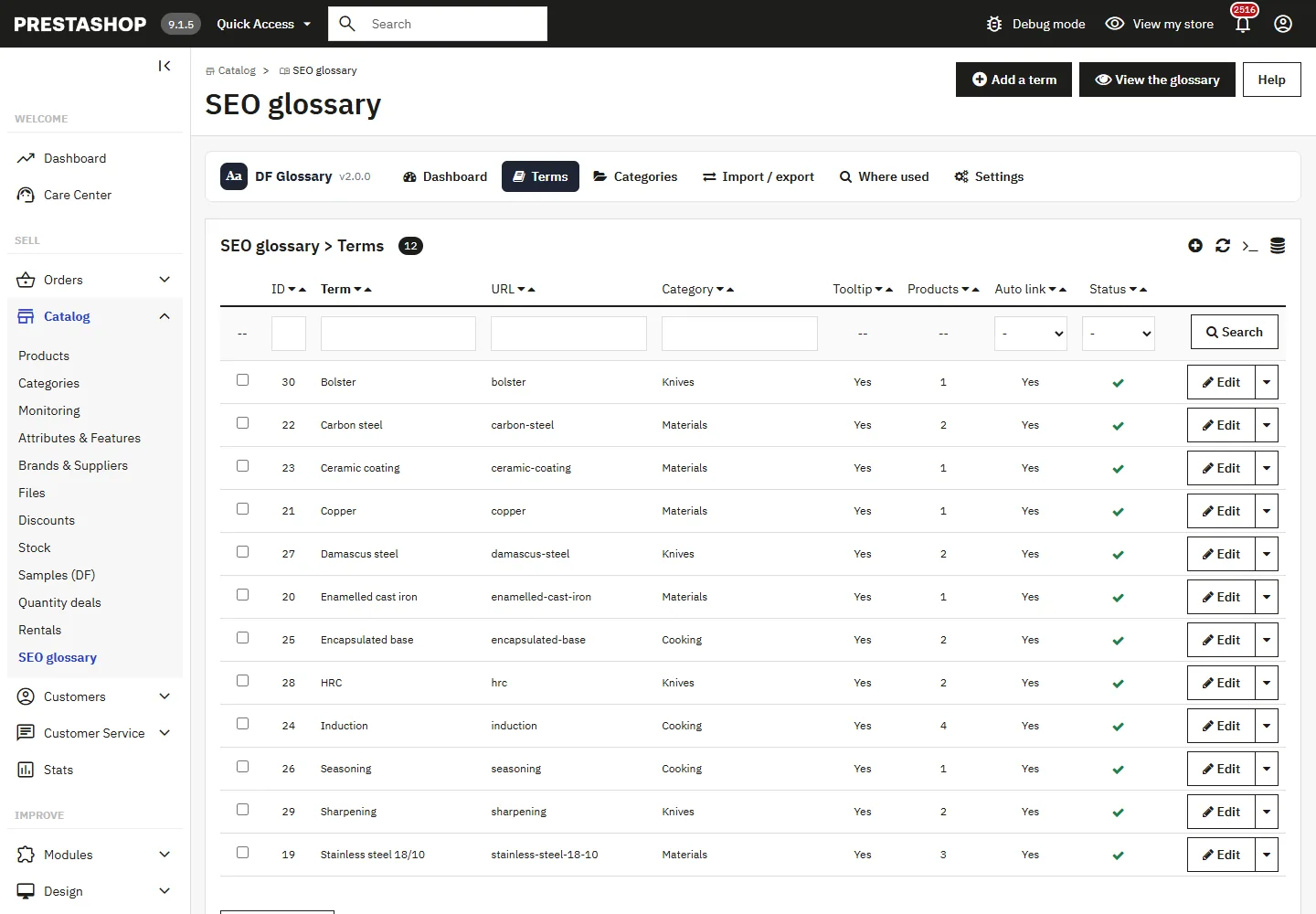
dfglossary-2.0.0.zip. - The Catalog > SEO glossary menu appears: Dashboard, Terms, Categories, Import / export, Where used and Settings.
- From 1.0.0: simply install the new zip. Terms, translations, slugs and linked products are kept, and URLs do not change (the
/glossairebase is carried over to all languages; you can translate it afterwards, and the old URLs redirect with a 301).
Dashboard
It shows the number of terms, the catalog coverage (share of active products whose description contains at least one term, calculated in batches on demand), the views of term pages over 30 days and a task list: terms without a tooltip, pages that are too short, missing translations, words used by two terms, terms with no linked product.
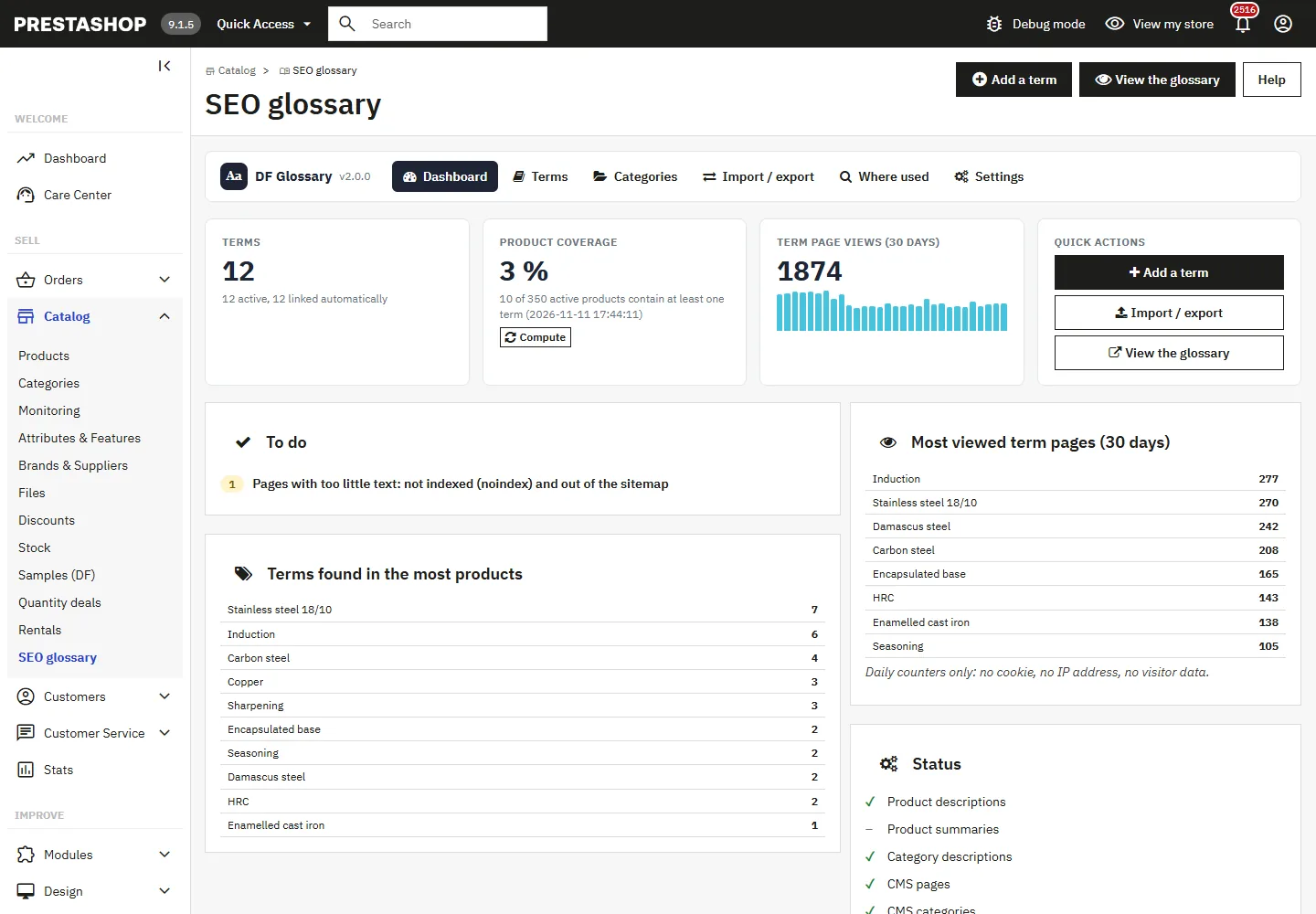
The statistics are simple daily counters per term: no cookies, no IP addresses, no visitor data; bots are not counted.
Creating and editing a term
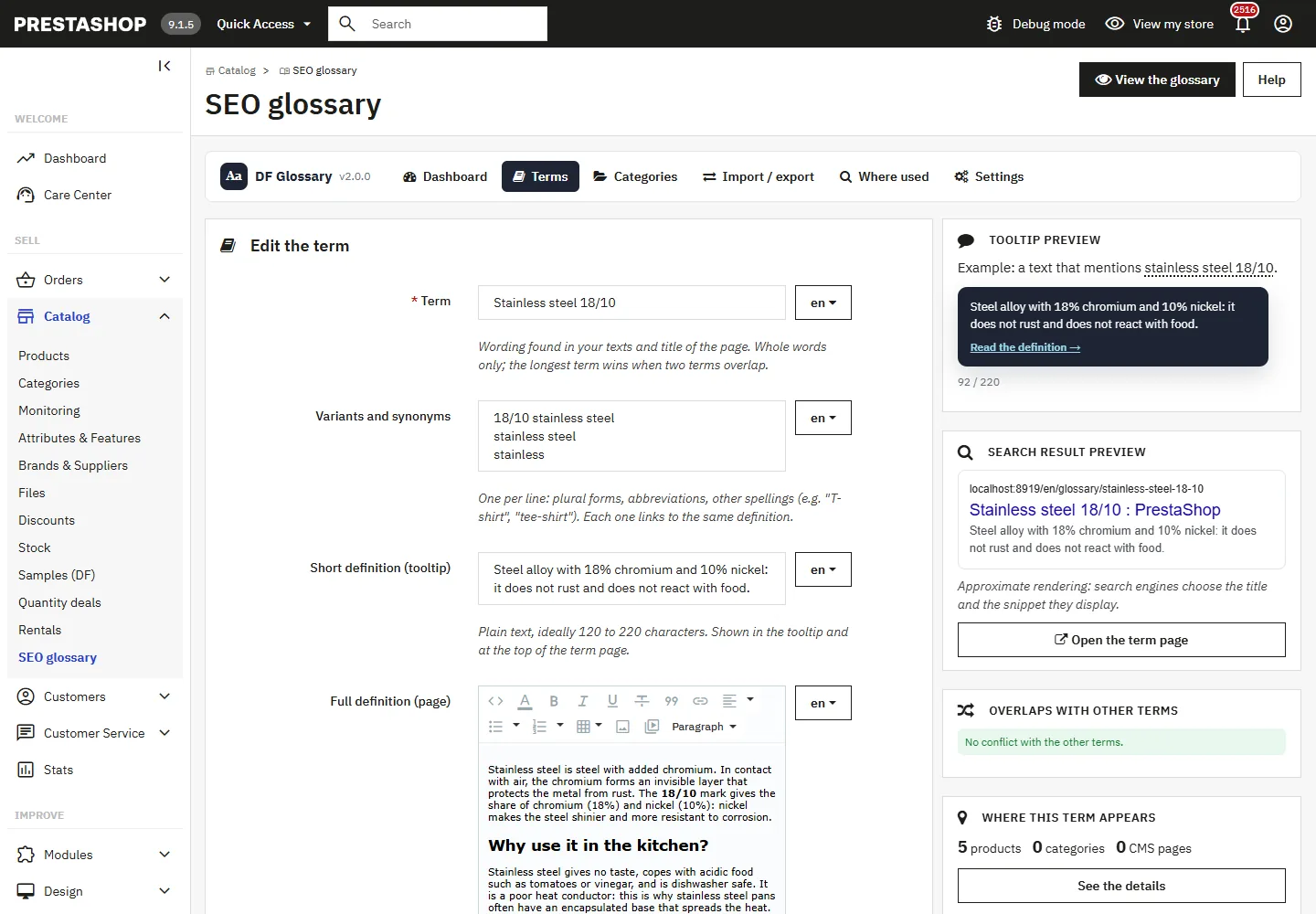
For each language: the term, its variants (one per line: irregular plurals, abbreviations, other spellings), a short plain-text definition for the tooltip and a full definition for the page. The editor shows a live preview of the tooltip and of the search result, and flags overlaps with other terms.
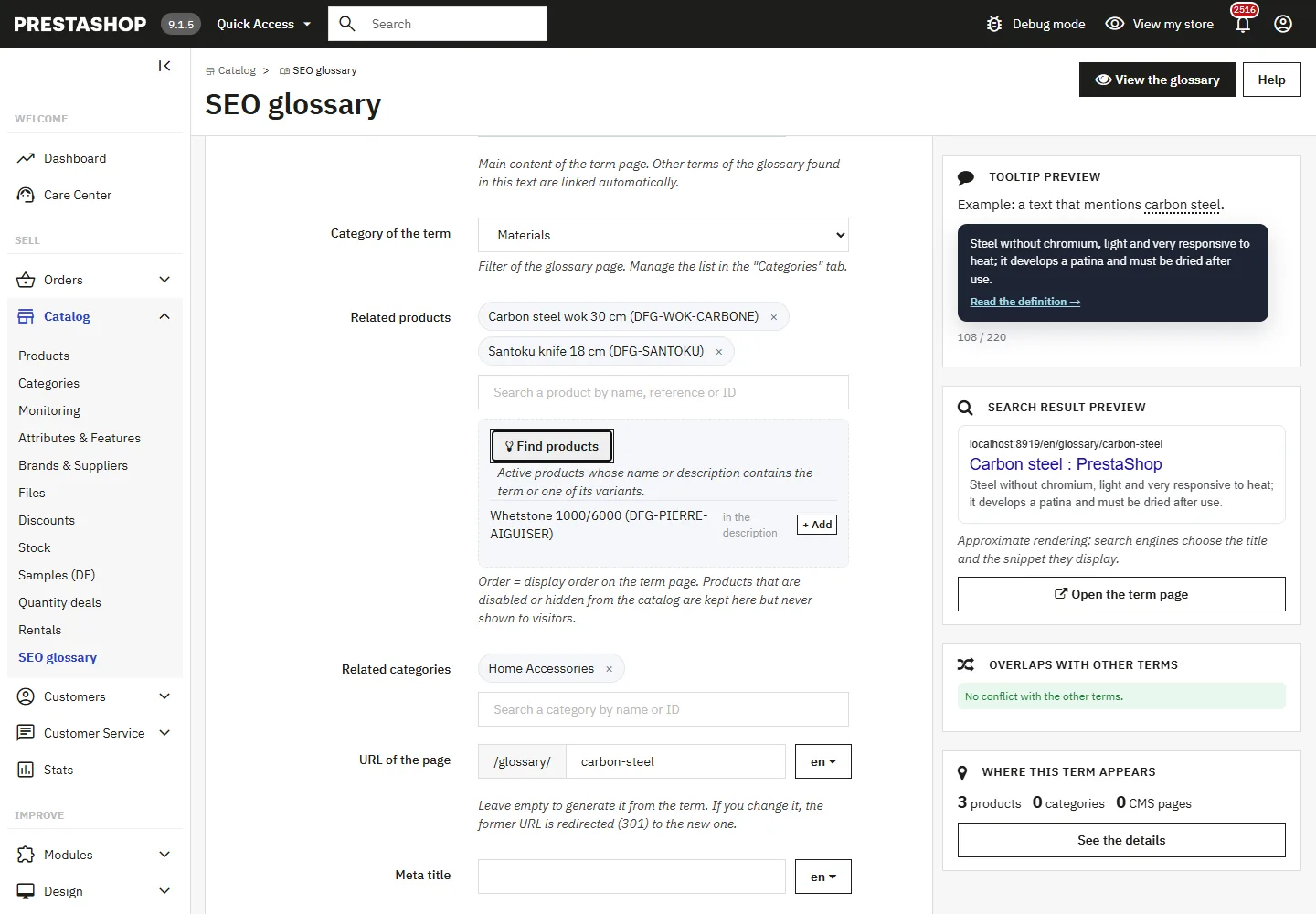
Linked products and categories are chosen by search; the Find products button suggests the active products whose name or description contains the term. Only active, visible catalog products are shown to visitors.
- Matching: whole word (default) or word start (inflected forms, compound words: Polish, German…).
- Simple plurals: depending on the language (s, x, es, en…).
- Case: case-sensitive for acronyms (“PLA” without “pla”).
- Indexing: automatic (noindex below an adjustable word count), always indexable, or never.
- URL: generated from the term; if you change it, the old one redirects with a 301.
A word or variant already used by another term is rejected, with a link to that term. If one term is contained in another (“steel” and “stainless steel”), the longer one wins in the text.
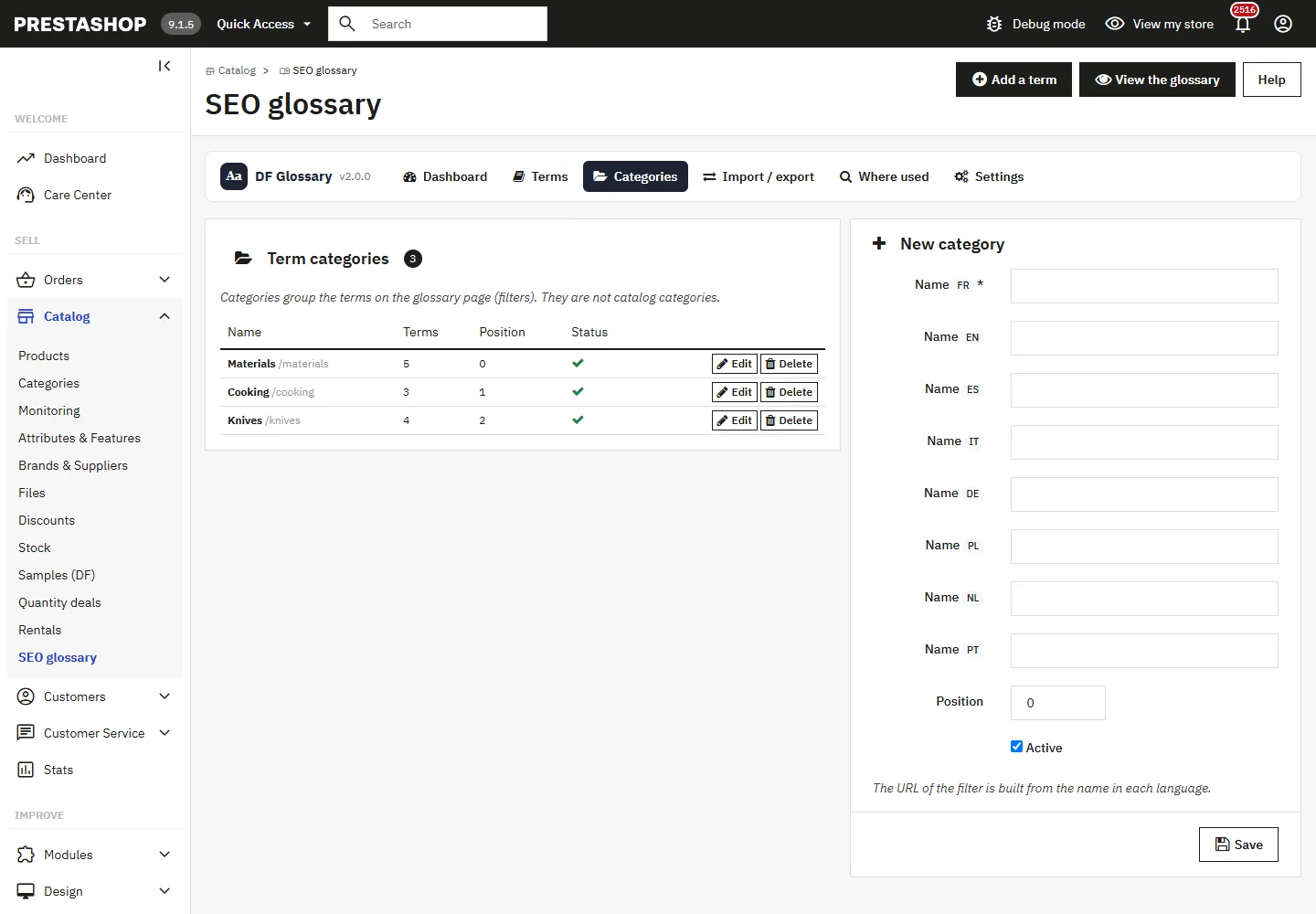
Term categories
They act as filters on the glossary page (materials, techniques, sizes…). They are not catalog categories.
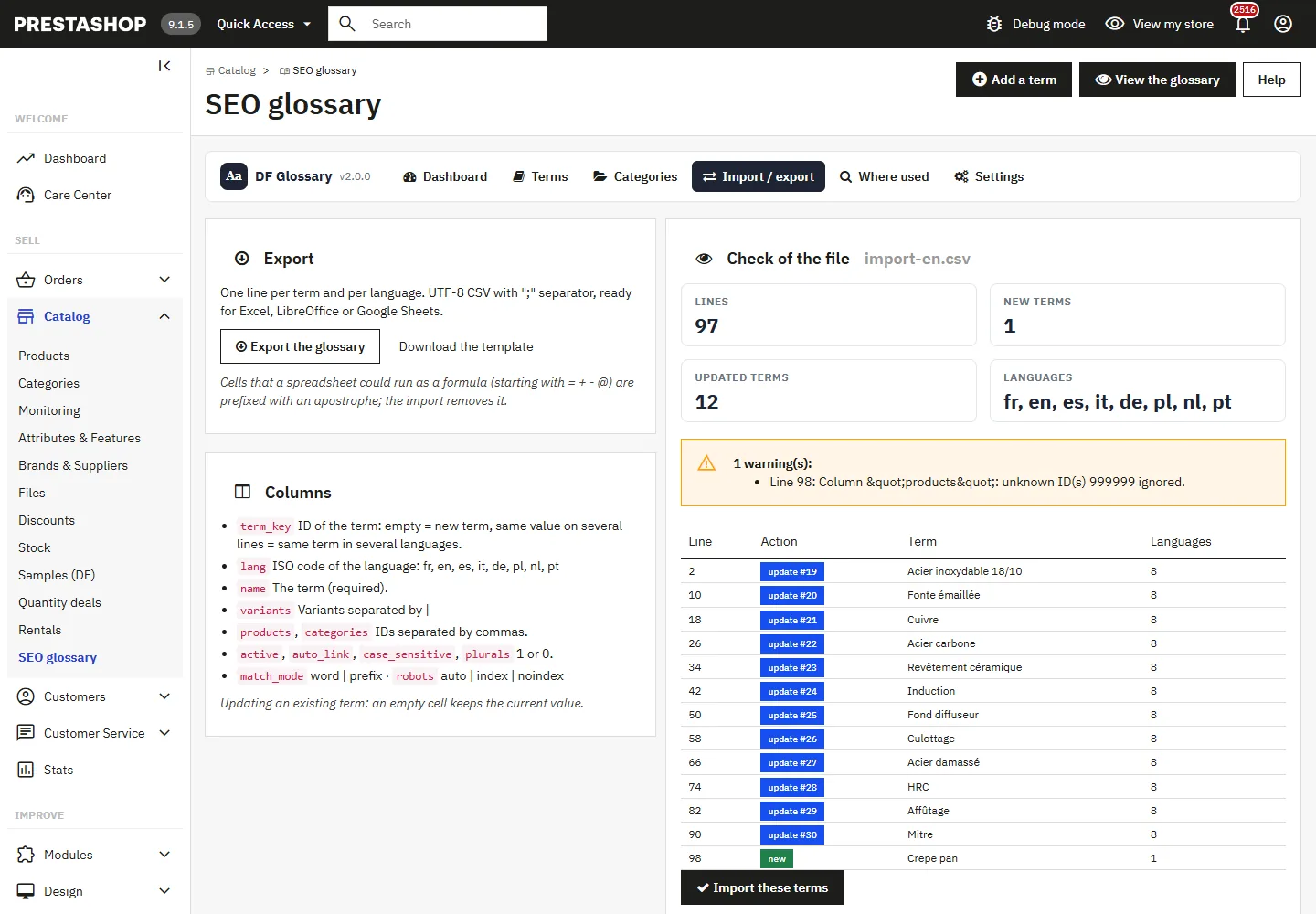
CSV import and export
The export produces a UTF-8 file with a “;” separator, one row per term and per language, which can be opened in Excel, LibreOffice or Google Sheets. Cells that start with = + – @ are prefixed with an apostrophe so that no spreadsheet runs them as a formula.
The import takes place in two steps: the file is first checked line by line (blocking errors with their line number, warnings, preview of creations and updates); nothing is written before you confirm.
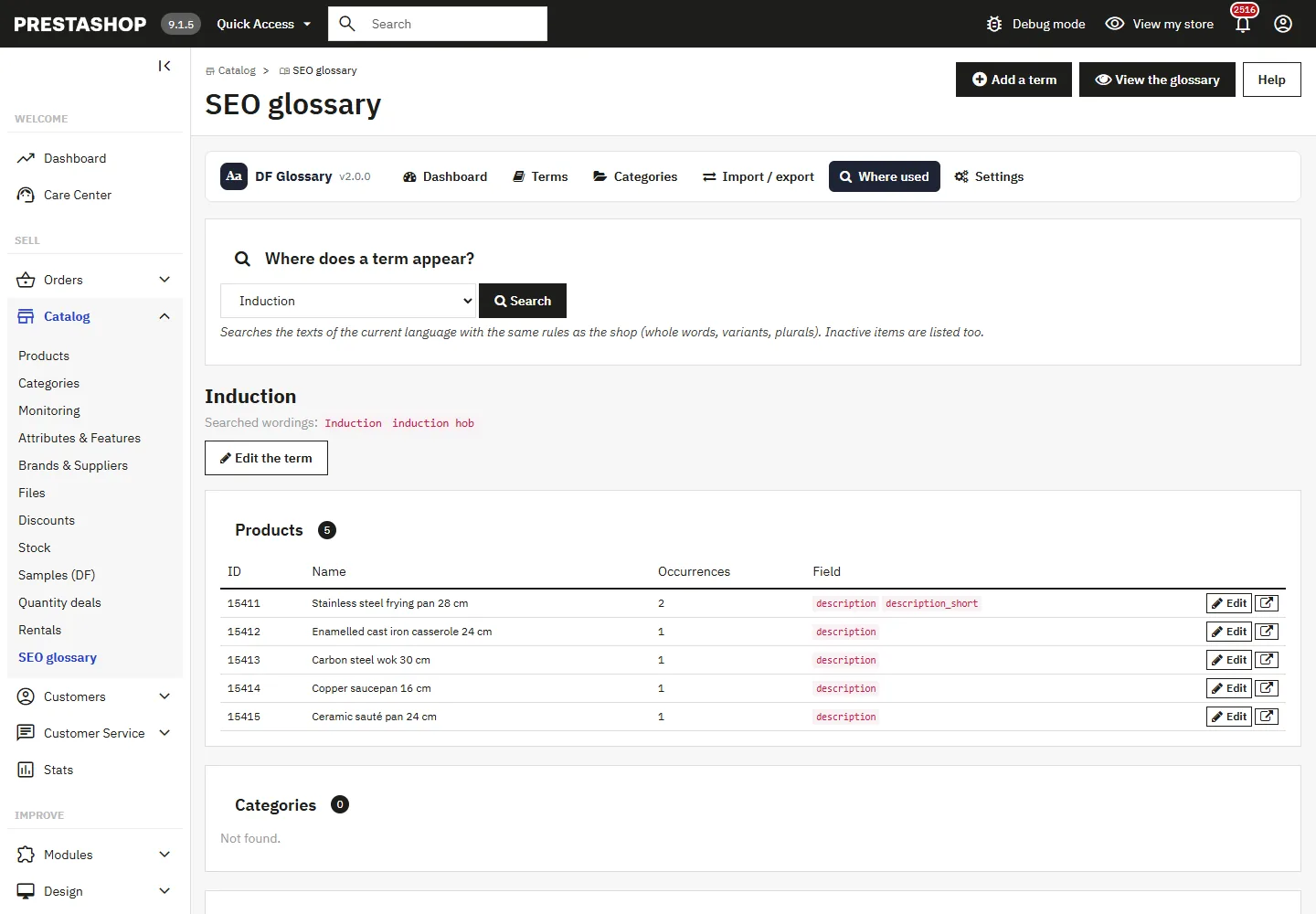
Where does a term appear?
This tool lists the products, categories and CMS pages whose text contains the term or one of its variants, using the same rules as the shop, with an edit link for each.
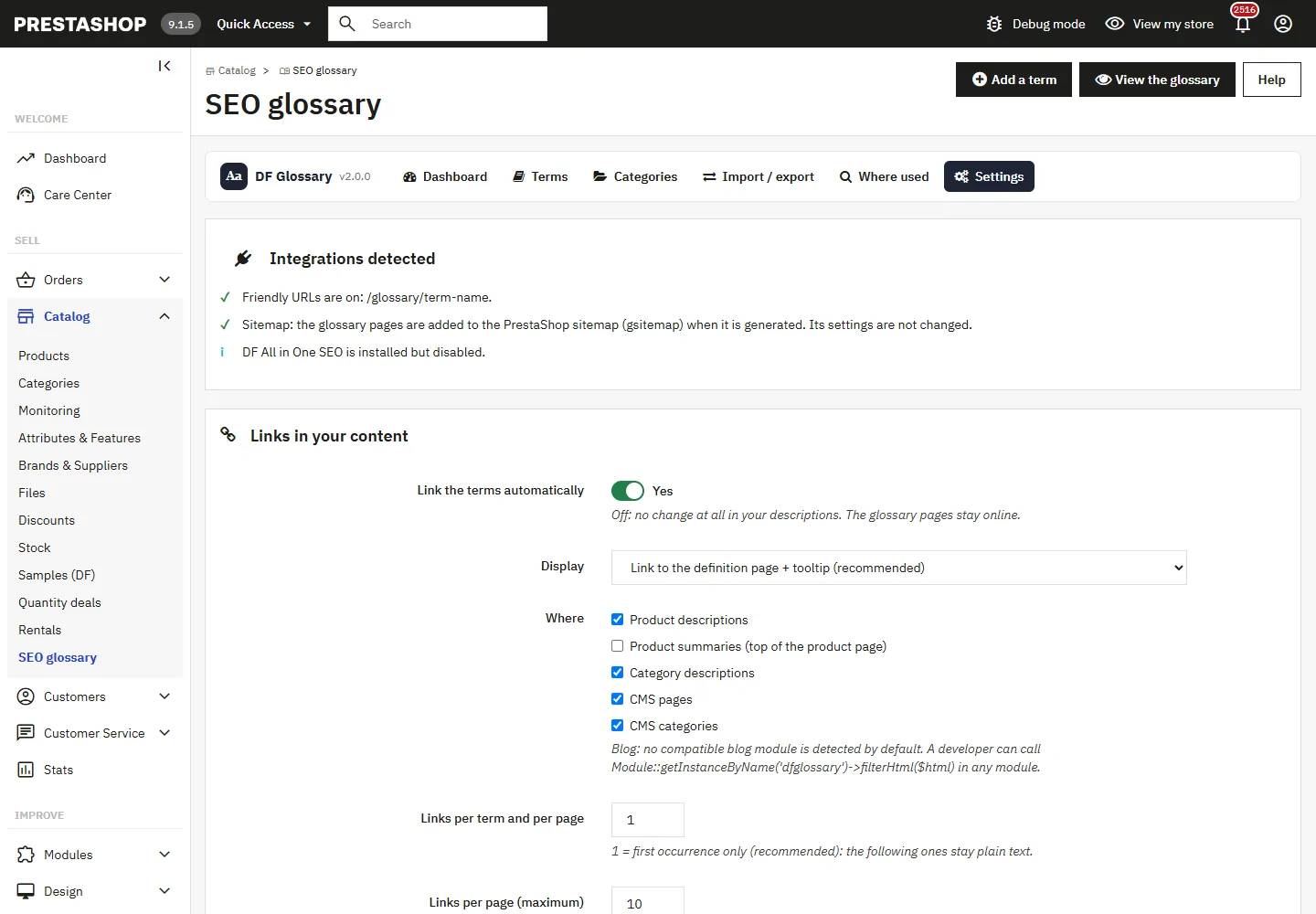
Settings
Links in your content: display (link + tooltip, link only or tooltip only), areas (product descriptions and summaries, categories, CMS pages and categories), number of links per term and per page (1 = first occurrence only), total number of links per page, exclusions by product, category or CMS page. In any content, an element with the no-glossary class is never linked.
Tooltips: four styles (dark, light, theme color, card with the term name), five underline styles and a “Read the definition” link.
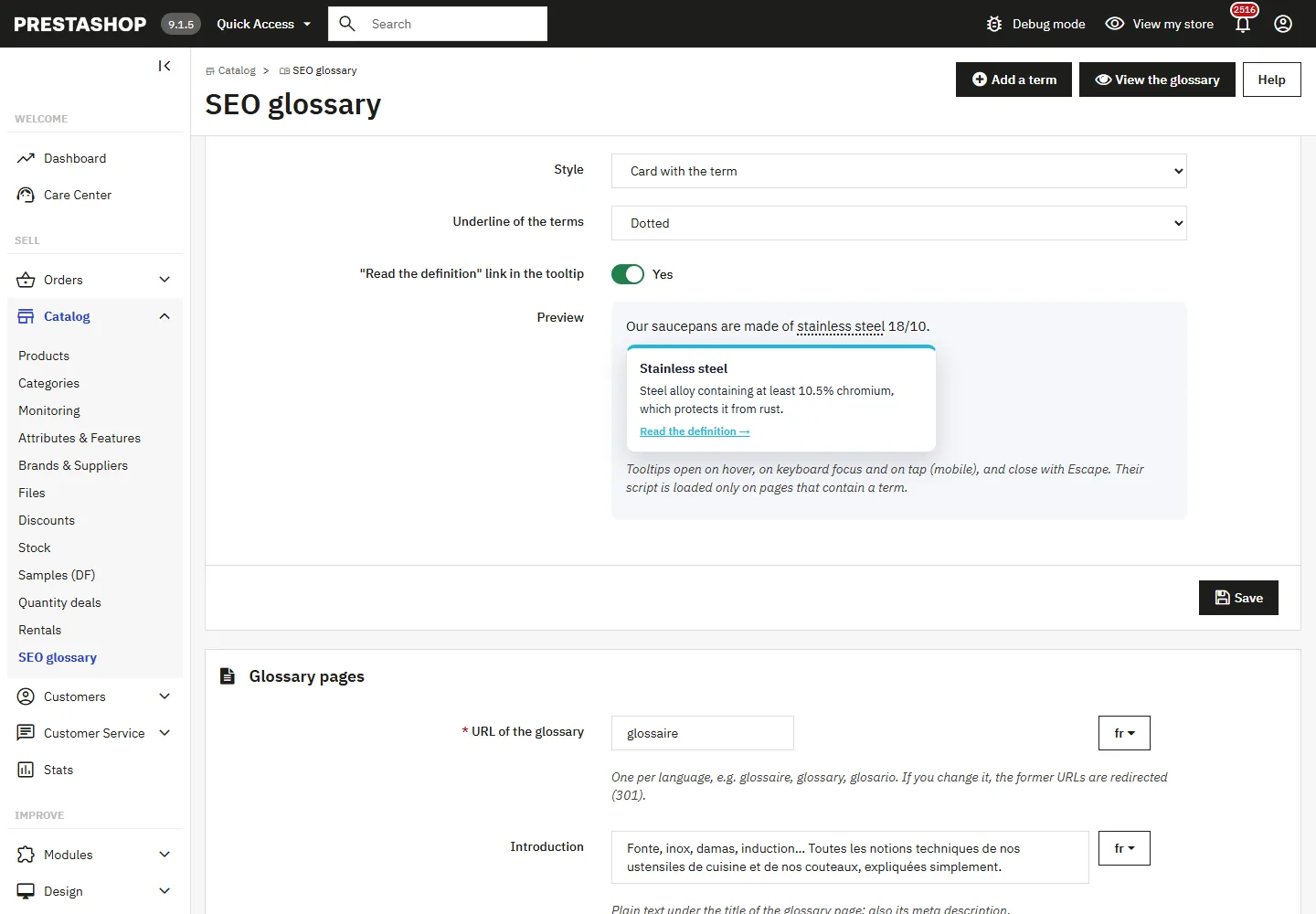
Glossary pages: URL per language (glossaire, glossary, glosario…), introduction, number of terms per page, linked products, noindex threshold, structured data. Statistics and data: view counters, data retention on uninstall.
On the shop
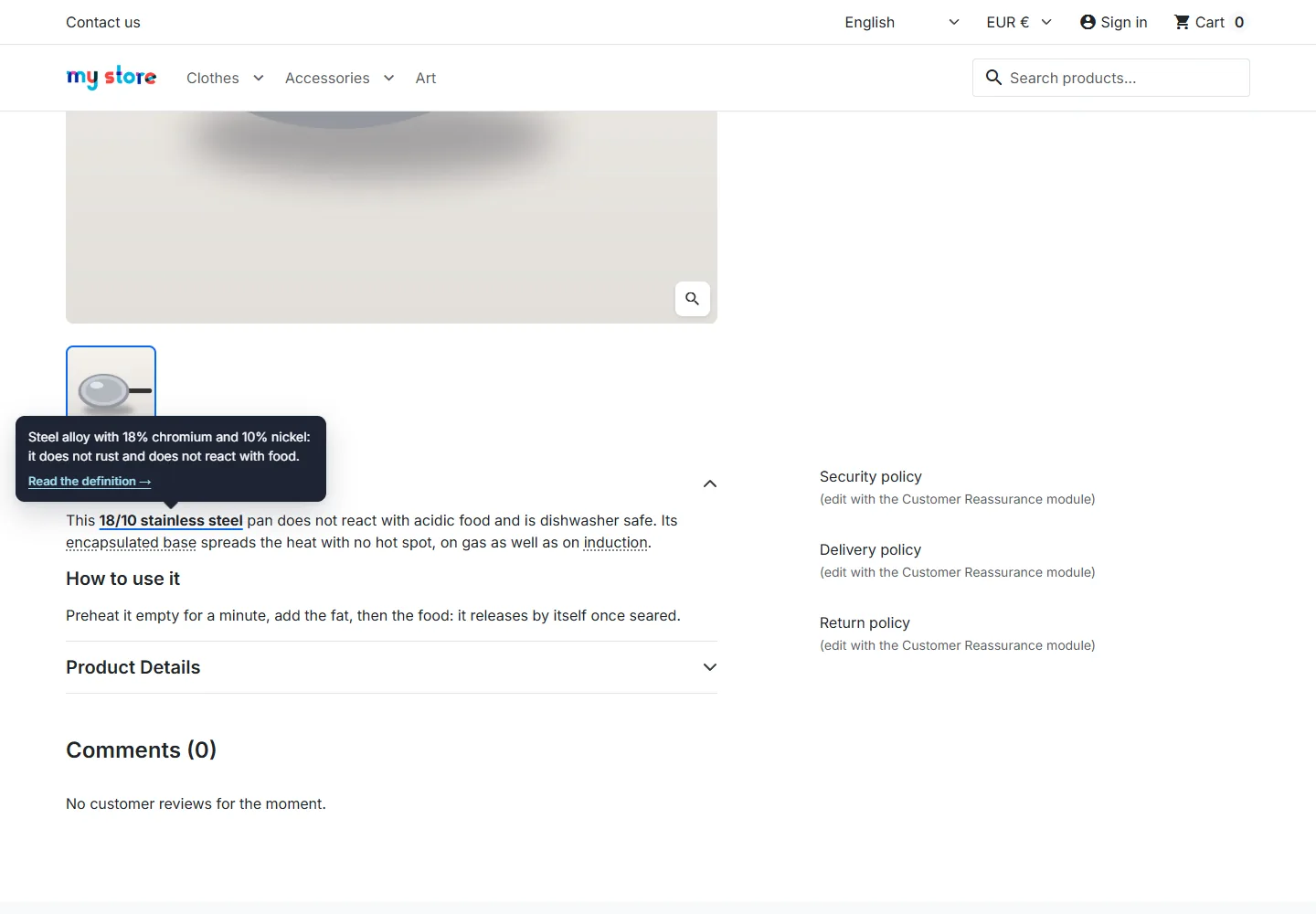
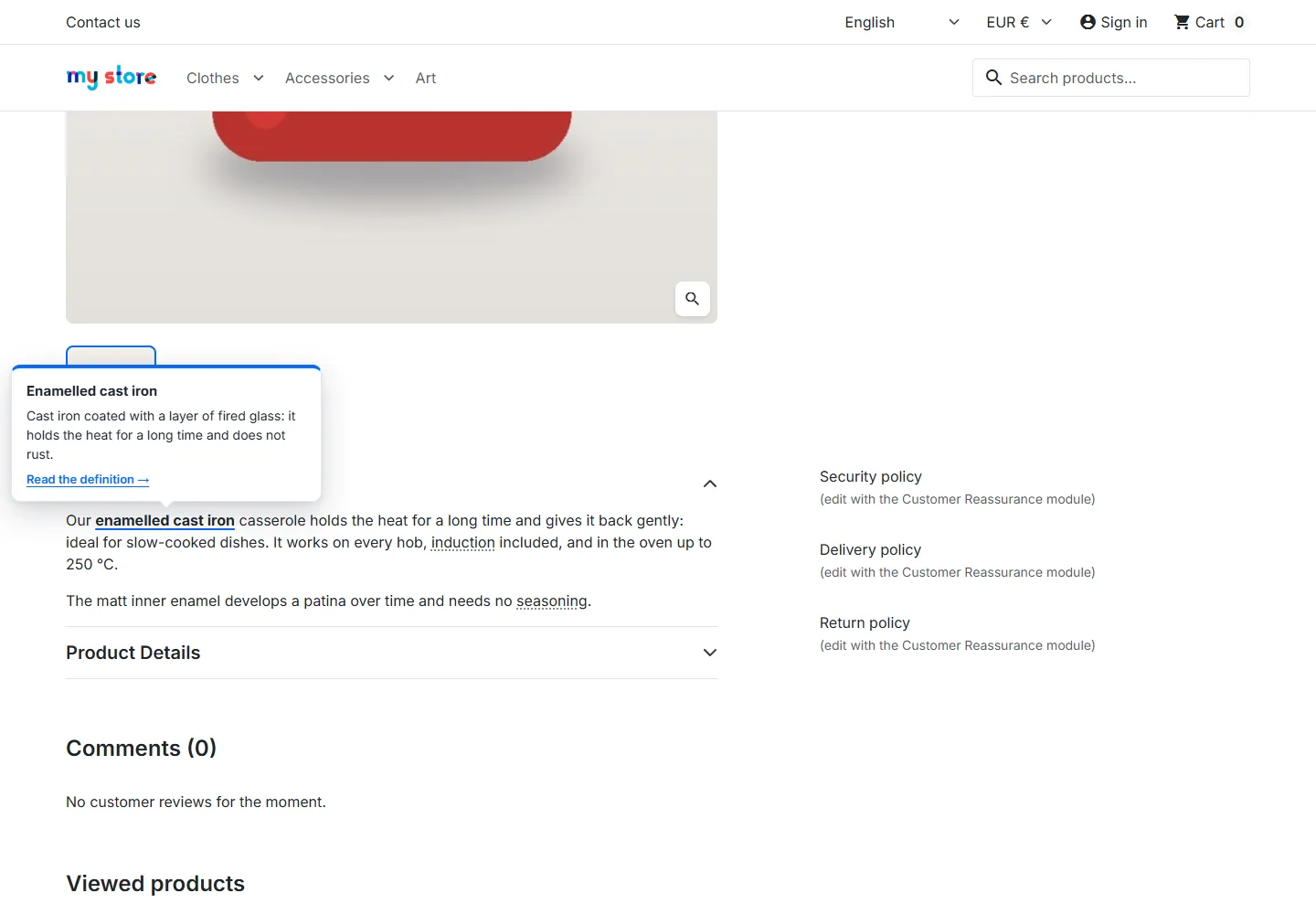
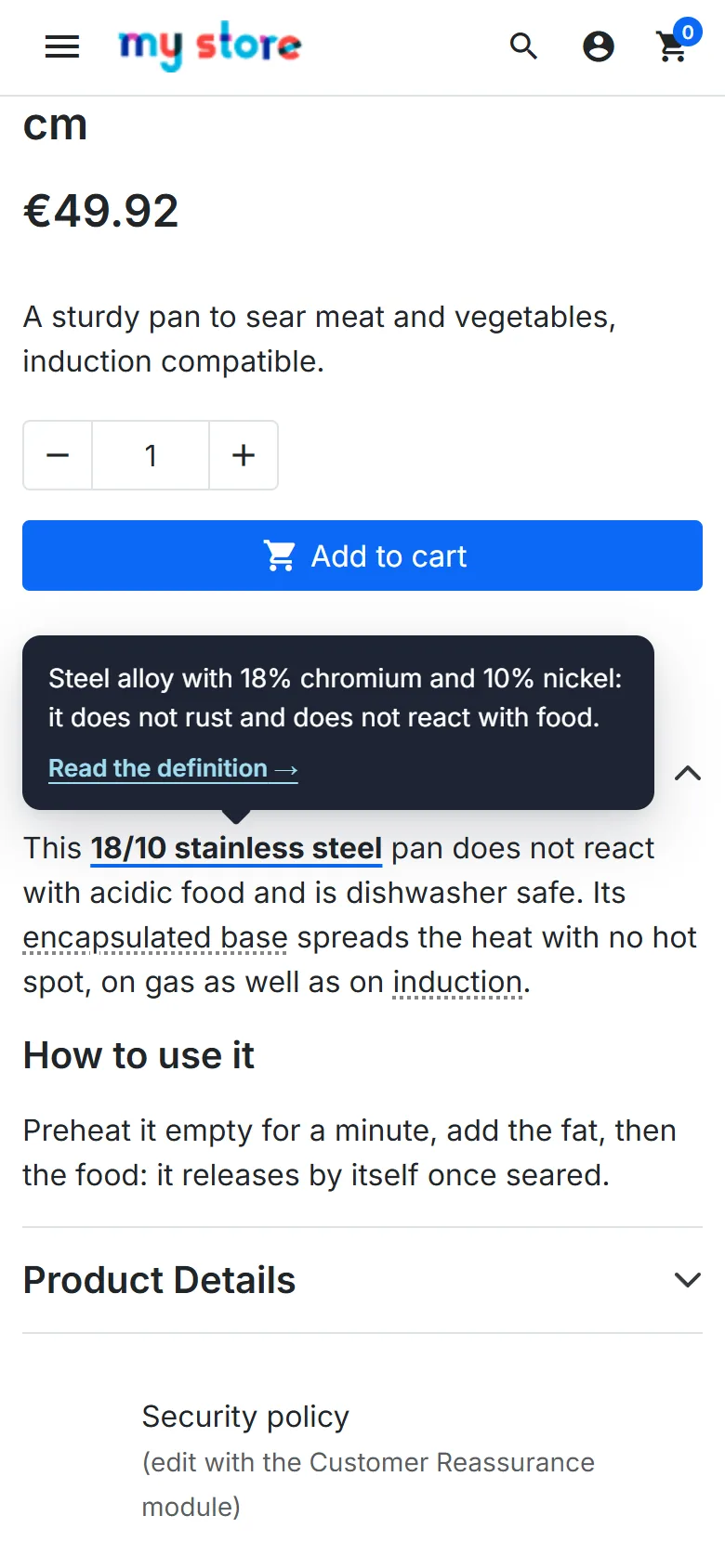
In the description, the term is underlined. The tooltip opens on hover, keyboard focus and touch; it stays open while the mouse is over it and closes with Esc. On mobile, a first tap shows the definition, a second tap opens the term page. The script is only loaded on pages that contain a term.
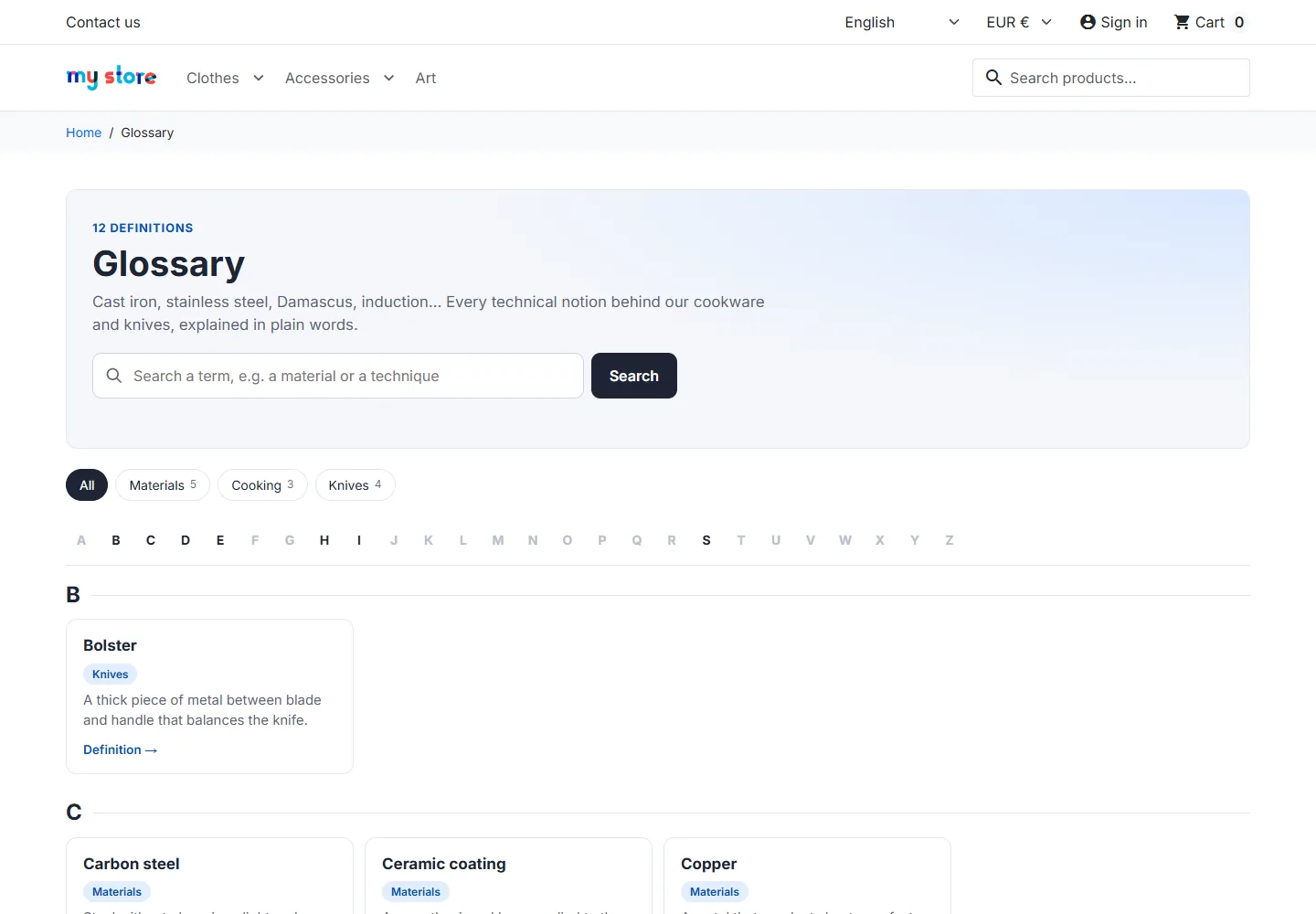
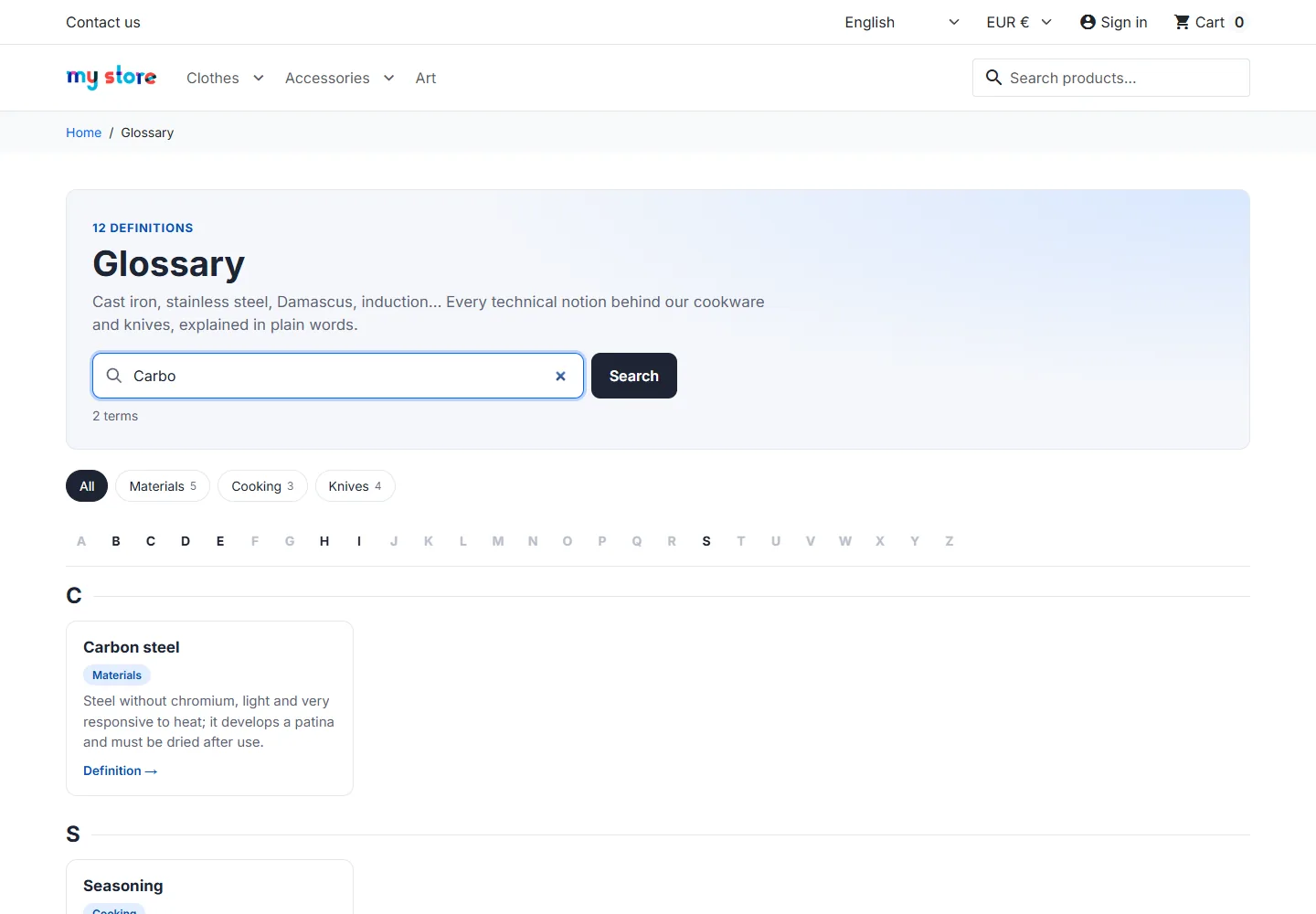
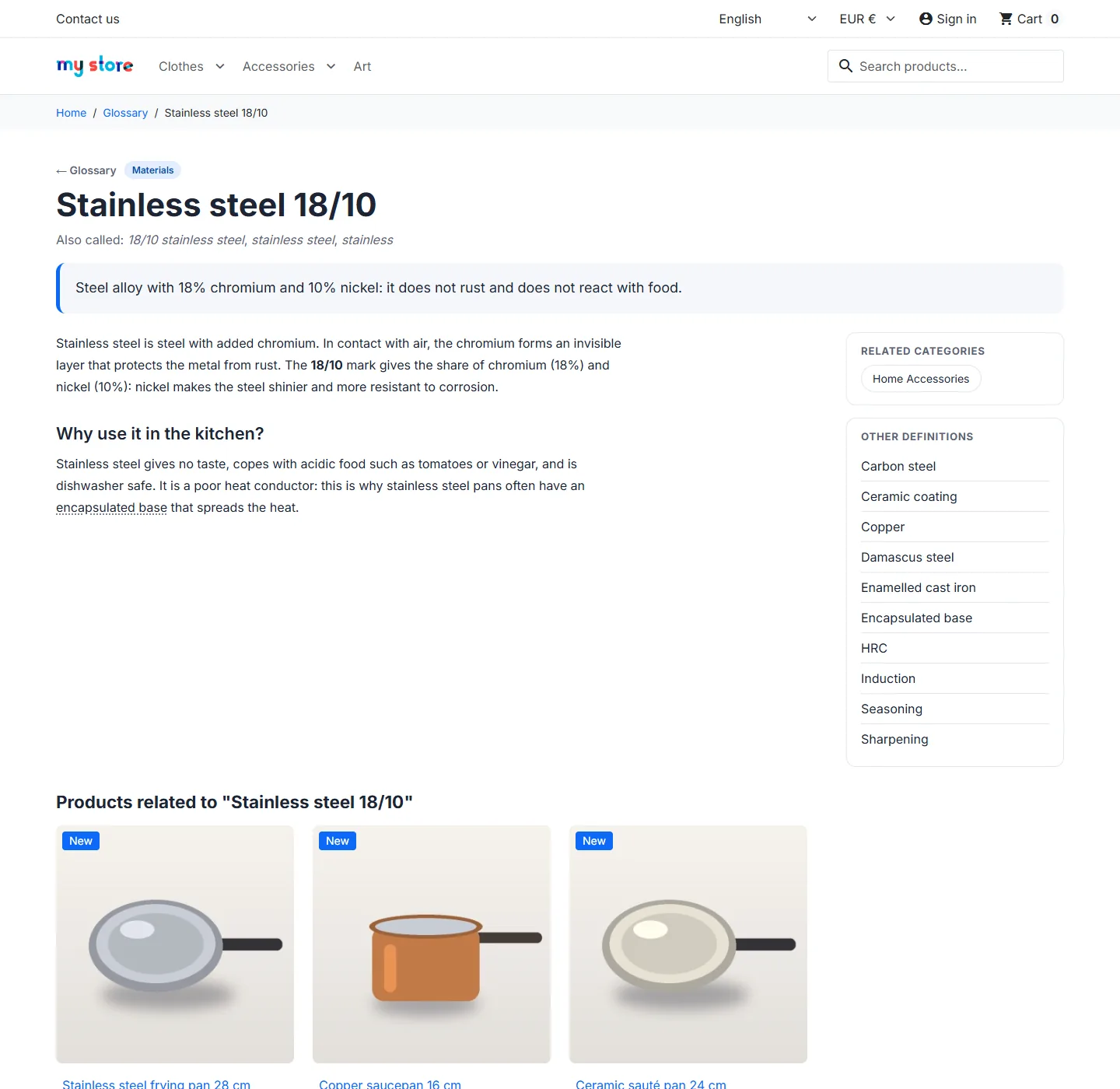
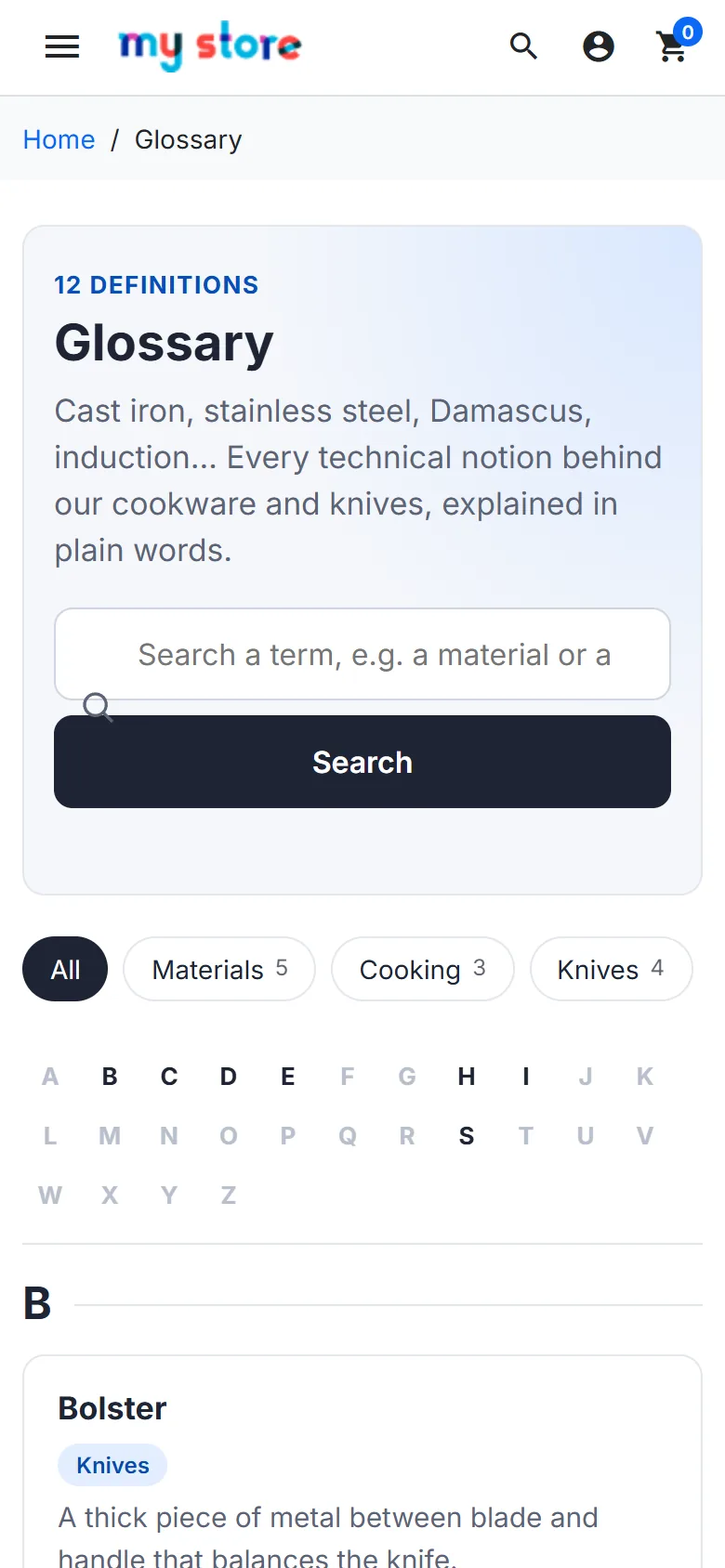
The glossary page offers the A–Z index, instant search and category filters; each term has its own page with its definition, its variants, the linked categories and products and other definitions.
SEO
- Texts are processed by a real HTML parser: only text changes; existing links, headings, scripts, code, buttons and fields are never touched. If nothing matches, the content is returned unchanged.
- Each page has its canonical tag, its hreflang tags (with x-default) pointing to the term in the other languages, and its own title and description.
- Searches, filters and pages that are too short receive
noindex, follow. - The
DefinedTermSet/DefinedTermstructured data (schema.org) describe the pages; Google does not show a specific rich result for this type. With DF All in One SEO, there is no duplication: it does not write these types. - Indexable pages are added to DF Sitemap if it is active (with their languages), otherwise to the PrestaShop sitemap. Their settings are not modified.
The module promises no ranking gain: it structures your definitions and your internal links.
Uninstallation
By default, terms and settings are kept and come back on reinstallation. A CSV backup is written to var/dfglossary-backups/ (protected folder) before any deletion; if you choose to delete the data and the backup fails, the data is kept.
Frequently asked questions
Does the module modify my descriptions in the database? No: links are added at display time. Disabling the module restores the original texts.
What about my blog? No blog area is automatic. A developer can call Module::getInstanceByName('dfglossary')->filterHtml($html) in another module.
Several shops? Terms and categories are associated with the shops of the context selected in the back office.