
Everything you'd want to know before you install.
A detailed look at how DataFirefly Product Rental works, why we built it the way we did, and the thinking behind the features above.
A rental mode grafted onto your existing catalog
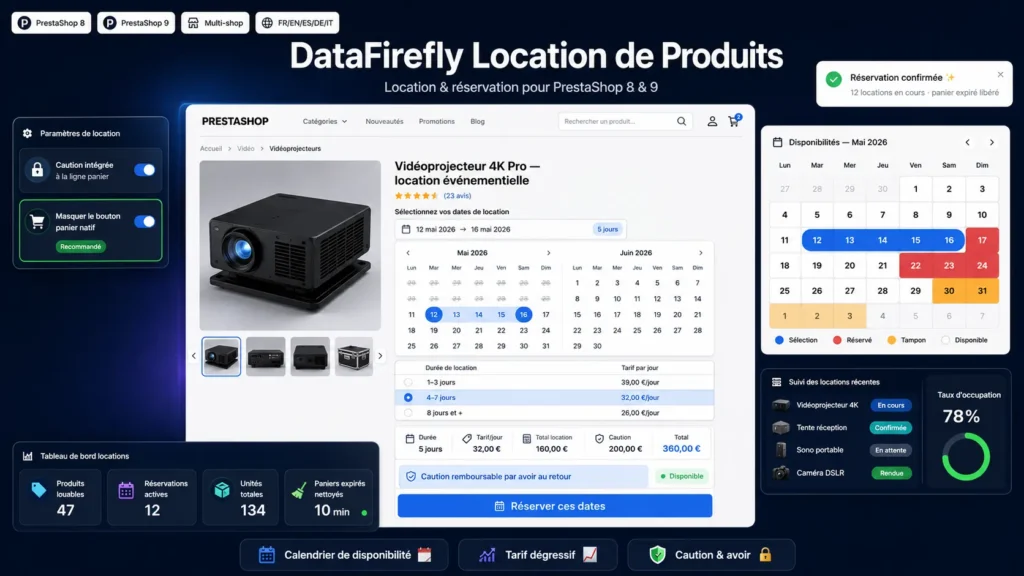
Not every product in your shop is meant to be sold once and for all. Equipment, furniture, event gear, instruments, vehicles, tools: some items are rented, and PrestaShop has no native mechanism for that. This module adds a rental mode you enable product by product, without denaturing the rest of your catalog. You designate the rentable items, set their daily price, deposit and allowed duration, and the module handles the rest: calendar, price calculation, date blocking and booking tracking all the way to the equipment's return.
A calendar that knows your availability
On the product page, the customer picks dates as a two-month range, as two start and end fields with times, or as a start date plus a number of weeks, the return date then computing itself. Already booked days are greyed out, the shop's closing days accept neither handover nor return, and a configurable buffer after each return leaves time to prepare the next item. A booking horizon limits how far ahead customers can book.
A daily price that follows your seasons
Pricing works per day, with degressive tiers, a percentage-of-sale-price mode or a duration coefficient grid with weekend exceptions. Seasonal pricing multiplies the daily rate over the periods you define, one-off or recurring every year, end-of-year holidays included. Fixed packages give a round price for an exact duration, 7 days for 199 for instance, overriding any calculation: combined with the weeks mode, they make the offer perfectly readable. An option finally decides whether the return day is billed (calendar counting) or not (rotation model: one week runs Monday to Monday, the return happening the day after the billed period).
Run your fleet: planning, units, check-in and check-out
The back-office planning shows each product's occupancy over the month, cell by cell, with the booked quantity and booking details in tooltips. Each physical item can carry a serial number: rental capacity then automatically follows active units, a unit under maintenance leaves the stock, and you assign the references handed to the customer on each booking, with conflict control. When the equipment leaves, one click sets the rental active and timestamps it; on return, one click closes it. Condition reports at handover and return, withheld deposit amount and reason are stored on the sheet, and the Statistics screen measures bookings, rented days, occupancy rate and revenue per product over the period of your choice.
The deposit, separate and frictionless
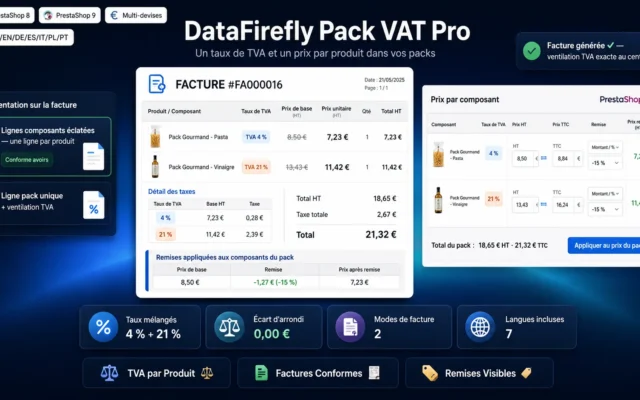
The deposit shows as a dedicated line in the cart and on the invoice, tax free, without ever inflating the displayed price of the rented product. Its refund takes one credit slip on that line. You define it per product or as an automatic global deposit (multiplied base amount incl. tax, with minimum and rounding). And if you prefer not to cash anything, the Stripe card imprint takes over: the customer saves their card after the order on a secured page, with no charge and no hold on funds, and you only charge the withholding in case of damage, in one click from the booking sheet. Card data is handled by Stripe Elements and never goes through the shop.
Bookings tracked from cart to return
From the moment it enters the cart, a booking reserves the chosen dates; unconfirmed carts expire and release their dates. At order validation, the booking confirms and links to the customer. Lifecycle emails, triggered by a secured cron URL, remind the customer of their rental start, their return, and follow up when equipment is overdue, in the language of their order. Each rental's details appear in the cart, on the order confirmation, in the back-office order sheet (serial numbers included) and on the My rentals page of the customer account.
Payment-free requests, packs, API and webhooks
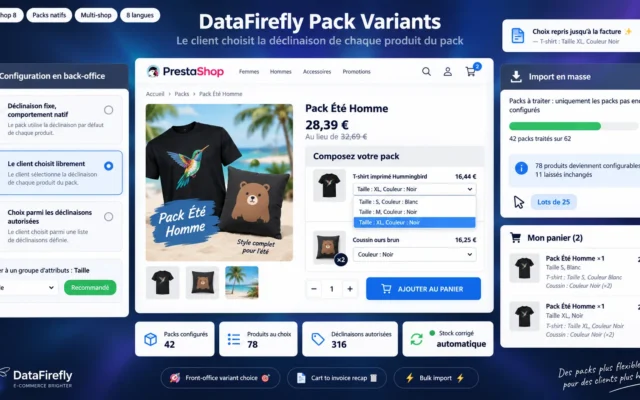
On the products where you enable it, the customer sends a booking request with their contact details and a message, without checking out; you accept or decline it in one click, automatic emails included. Native PrestaShop packs are synced: booking a pack blocks its rentable components and vice versa. The token-based REST API exposes products, availability and bookings in read and write with idempotency by external reference, and HMAC-signed outgoing webhooks notify your management software at every event: request, confirmation, handover, return, cancellation. No more polling the API to stay in sync.
Honest limitations
The card imprint requires a Stripe account, independent from the shop's payment module; the off-session debit of a withholding can be declined by the customer's bank (3-D Secure), in which case the module shows the error and the withholding remains to be collected another way. In the rotation model, the return day is not billed but stays unavailable for another handover that same day, which reflects the reality of equipment not yet returned. Hiding the native add-to-cart button relies on theme selectors that may need a slight adjustment depending on your theme.
There are no reviews yet.