
Everything you'd want to know before you install.
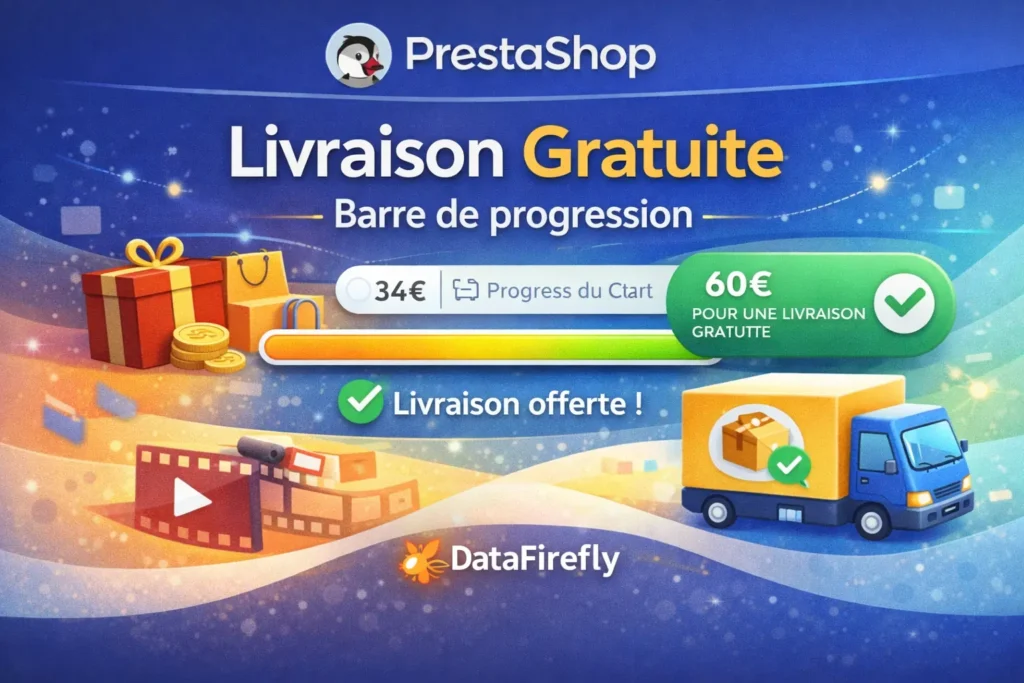
A detailed look at how Free Shipping Bar - Per-country and per-state thresholds PrestaShop 8 & 9 works, why we built it the way we did, and the thinking behind the features above.
§ 01
Communicating free shipping without getting the promise wrong
Free shipping above a threshold lifts average order value, provided it is visible at the right moment. The progress bar answers that need: the customer always sees how much is left to add. A mistargeted argument backfires though: announcing free shipping to a customer who will be charged for it at checkout produces an abandoned cart and a complaint. That is exactly what the territorial resolution of this module prevents.
§ 02
Why per-country thresholds are not enough
In PrestaShop, Guadeloupe, Martinique, French Guiana, Réunion and Mayotte are states attached to the country France. A threshold set on "France" therefore also applies there, even though most merchants do not offer free shipping to those destinations. The same problem appears elsewhere: the Canary Islands for Spain, Ceuta and Melilla, the Italian island territories. This module treats the state level as a first-class level, taking precedence over the country.
§ 03
The product page, where the decision is made
Under the add to cart button, the bar shows the current progress and the effect of adding the displayed product: "Add this product and your order ships free", or the amount that will still be missing. The calculation uses the price of the selected combination times the quantity entered, on the same tax basis as the cart, and runs again on every change.
§ 04
In the Creative Elements cart drawer
On a shop whose header is built with Creative Elements, the side cart of the Shopping Cart widget is where the bar has the most impact: it opens on every add. The module hooks into the widget, places the bar under the title, above the summary or above the buttons, and refreshes it via Ajax on every add or removal.
§ 05
The carrier and the customer are part of the condition
Free shipping is often granted by some carriers only: standard parcel and pickup point yes, express no. The module restricts the display through an allow list or a deny list, storing rules against the carrier reference, which survives rate changes. It can also reserve the bar for some customer groups, for instance retail customers when professionals have other terms.
§ 06
Multi-currency and independence from the native setting
Thresholds are entered in the default currency of the shop and converted for each visitor into their currency before being compared with their cart. The module never reads PS_SHIPPING_FREE_PRICE: you can leave it at 0 and drive your real free shipping through weight or price ranges at carrier level.
§ 07
A back office that shows what the customer sees
Configuration is split into five tabs: General, Territories, Carriers, Messages, Appearance. A summary strip shows the number of territories with a threshold and excluded, the fallback, carrier filtering and active positions, and flags a configuration that would show no bar. The Appearance tab previews the banner, the product page and the reached threshold live.



There are no reviews yet.