
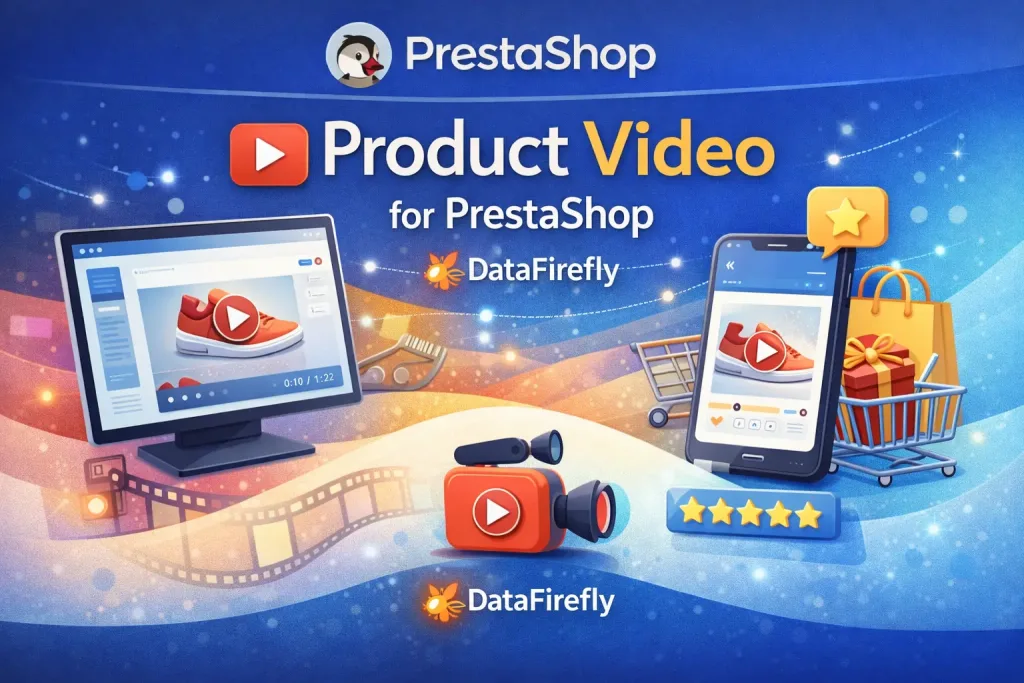
Everything you'd want to know before you install.
A detailed look at how Video in the product gallery — PrestaShop works, why we built it the way we did, and the thinking behind the features above.
§ 01
Product video, an underused conversion lever
According to Wyzowl and HubSpot studies, a product page with video converts 80% better than a photo-only page. Yet on native PrestaShop 8, adding a video in the thumbnail gallery is not provided — you have to either embed it at the bottom of the description (barely visible) or move it into a tab (almost invisible). DataFirefly Product Video solves this problem: video(s) at the same level as photos, seen as soon as the product is viewed.
§ 02
Three video sources for every case
Local upload (MP4, WebM, OGG) for short videos you want full control over. YouTube if you already have a channel and want to leverage YouTube SEO in parallel. Vimeo if you're in luxury / fashion and want an ad-free environment. The module automatically detects the source and generates the corresponding poster.
§ 03
Performance and Core Web Vitals
The classic trap with videos: embedding a YouTube iframe by default, which loads ~500 KB of Google JavaScript before the visitor even clicks. Our module uses a "facade": the poster thumbnail displays first, the iframe only loads on click. Result: no LCP degradation, no third-party cookies dropped before interaction (which also helps with GDPR).
§ 04
Ultra-flexible configuration
Global configuration in the back-office: default autoplay, max upload size, allowed extensions, play button appearance, lightbox enabled, analytics enabled. Per-video configuration (override): autoplay, loop, sound, controls, position, even custom poster. Set the defaults once, then adjust per video if needed.
§ 05
Multilingual and multistore
For each video, you can provide title and description in all active languages. These texts feed the alt attributes, aria-label, and lightbox title — important for accessibility and SEO. Each video is associated with a specific shop in multistore mode: your FR storefront can have one video set, your EN storefront another.
§ 06
Built-in analytics
The module counts the number of plays of each video, accessible from the product page in back-office. Identify videos that actually capture attention versus those that are ignored. Actionable information: shorten videos that are too long, redo those that don't engage, remove those with very low view rates.


There are no reviews yet.