Social login removes two frictions at checkout: the password to invent and the form to fill in. It introduces a third, less visible one, which is the handling of duplicate accounts and the legal basis for processing the data retrieved.
This article deals with the implementation and its consequences. On the upstream question, whether an account is needed at all, see the article on guest checkout.
What the protocol actually does
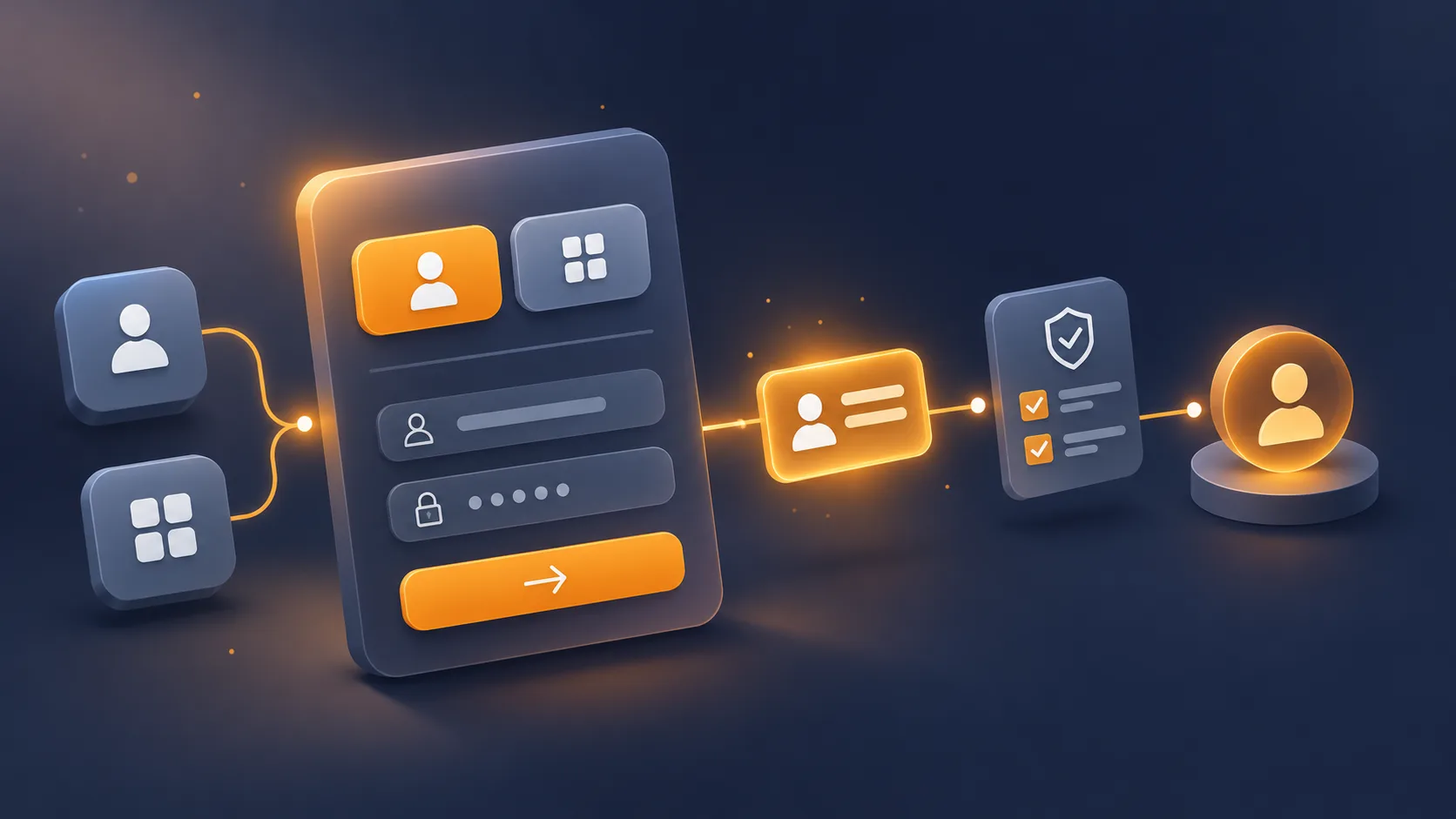
OAuth 2.0 with OpenID Connect, in broad terms, runs as follows.
The visitor clicks the button. They are redirected to Google, Apple or Facebook, with a client identifier, a list of requested scopes and a return URL. They authenticate with the provider, which shows them the data your shop is asking for. They accept. The provider sends them back to your return URL with a temporary code.
Your server exchanges that code for a token, presenting its client secret. That exchange happens server to server, never from the browser. With that token, your server queries the provider’s endpoint and retrieves a stable identifier, an email address, and depending on the scopes requested a name and a photo.
Two points often misunderstood.
The stable identifier is not the email. A user can change their address with the provider. The technical identifier does not move. That is what should serve as the linking key, the email being only a profile attribute.
The client secret must never reach the browser. An integration that exposes it in JavaScript lets anyone impersonate your shop with the provider.
The three providers, and their particularities
Google. The simplest to integrate, the most used, email address always verified. This is the one to set up first if you only choose one.
Apple. Mandatory as soon as you offer another social login in an iOS application, which does not concern a website alone. Its particularity: the user can hide their real address, and you receive a private relay address. Two consequences. Your transactional emails must be sent from a domain declared with Apple, otherwise they are blocked. And the name is only transmitted at the very first login, never afterwards: if you do not record it at that moment, it is lost for good.
Facebook. Usage is declining in European e-commerce, and the email is not guaranteed: an account created with a phone number does not have one. Plan for the case where the email comes back empty, or you will hit an error when creating the customer.
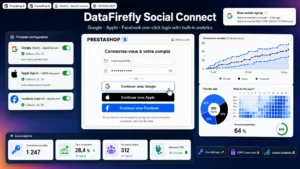 Social Login (Google, Apple, Facebook) for PrestaShopGoogle, Apple and Facebook in one click, on the login page, the registration page and the checkout.€49.00
The account-linking trap
This is the point that causes the most incidents in production, and it touches on security.
A visitor already has an account on your shop with the address marie@example.com, created conventionally. They click “Continue with Google” and their Google account carries the same address. What should happen?
Three possible behaviours, with very different consequences.
Link automatically. Convenient, and acceptable only if the provider certifies that the address is verified. Without that verification, anyone can create an account with a provider using a third party’s address and take control of their customer account, order history and addresses included.
Refuse and ask for the existing password before linking. The safest, but it cancels the benefit of social login precisely for returning customers.
Create a second account. To be avoided absolutely: two accounts with the same address, an order history cut in two, and a customer service team that cannot make sense of it.
The rule to remember: automatic linking if and only if the provider transmits a verified-email flag set to true, otherwise ask for the password. That flag exists in the identity token and is far too often ignored.
The data protection framework
Four points to handle before going live.
The legal basis. Creating the customer account falls under the performance of the contract. Retrieving the profile photo, by contrast, is necessary for no sales contract: it is a convenience attribute that requires another basis, and the simplest course is not to ask for it.
Minimising scopes. Ask only for the identifier, the email and the name. Every additional scope lengthens the provider’s consent screen and drives the acceptance rate down, besides being hard to justify.
Prior information. The visitor must know before clicking which data will be retrieved and what you will do with it. One line beneath the buttons is enough, with a link to the privacy policy.
No implicit signup. Logging in with Google is not consent to the newsletter. The signup box must stay separate and unticked.
A point to watch on button placement: the providers’ scripts set cookies. They must not load before consent on trackers has been collected, which rules out loading them when the page renders. A static button that triggers the script load on click settles the problem.
The measurable effect, and its limit
Three indicators, over a month.
The share of logins going through a provider, which generally settles between 15 and 35% depending on the sector and the age of the customer base.
The completion rate of account creation, compared with the conventional form. That is where the gap is clearest.
The overall checkout conversion rate, which is the only figure that counts in the end.
The limit to know about: social login often shifts customers who would have created an account anyway, rather than converting new ones. A high usage rate is therefore not in itself a gain. The gain is read on the completion rate and on conversion, not on the number of clicks on the button.
A second limit, on the data side: a customer logged in through a provider that hides their address is difficult to contact again and impossible to reconcile with your other channels. On an email retention strategy, that is a point to weigh.
On the tooling side, the Social Login module handles Google, Apple and Facebook on PrestaShop 8 and 9, with linking conditional on the verified-email flag, script loading after consent, and recording of the name at the first Apple login. On the rest of the journey, Simple Checkout deals with the other frictions in the funnel, including the placement of the buttons in the identification step.